
AI video production for creators & teams
Make the video you imagined.
The simplicity of a prompt. The control of a studio.
Turn an idea into a complete video production with ANI. Let AI handle the work, or take creative control whenever you want.
Built in collaboration with

A global creative video agency
Used on work for

Featured in

Award-winning platform

Best AI Tool · 2026
Start with an idea
Every great production starts somewhere.
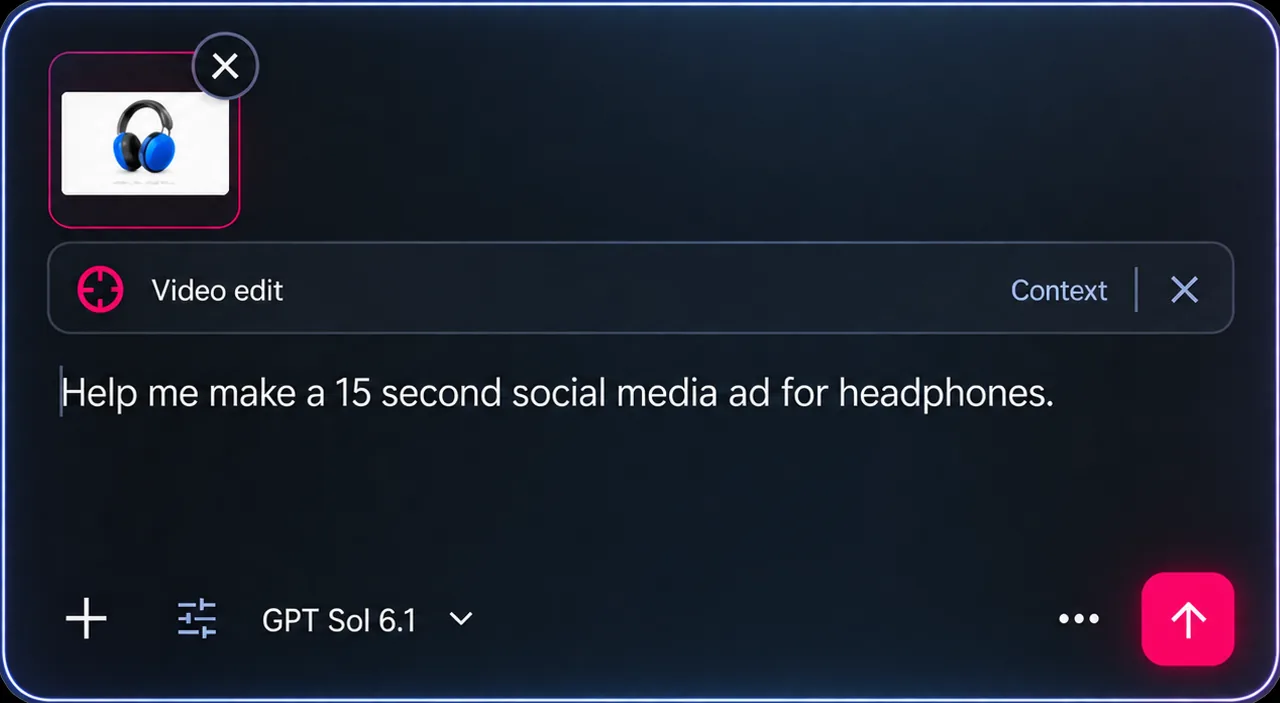
Give ANI your idea, brief or script. Develop it together into a clear creative direction.
Your creative decisions stay connected.
Build your world
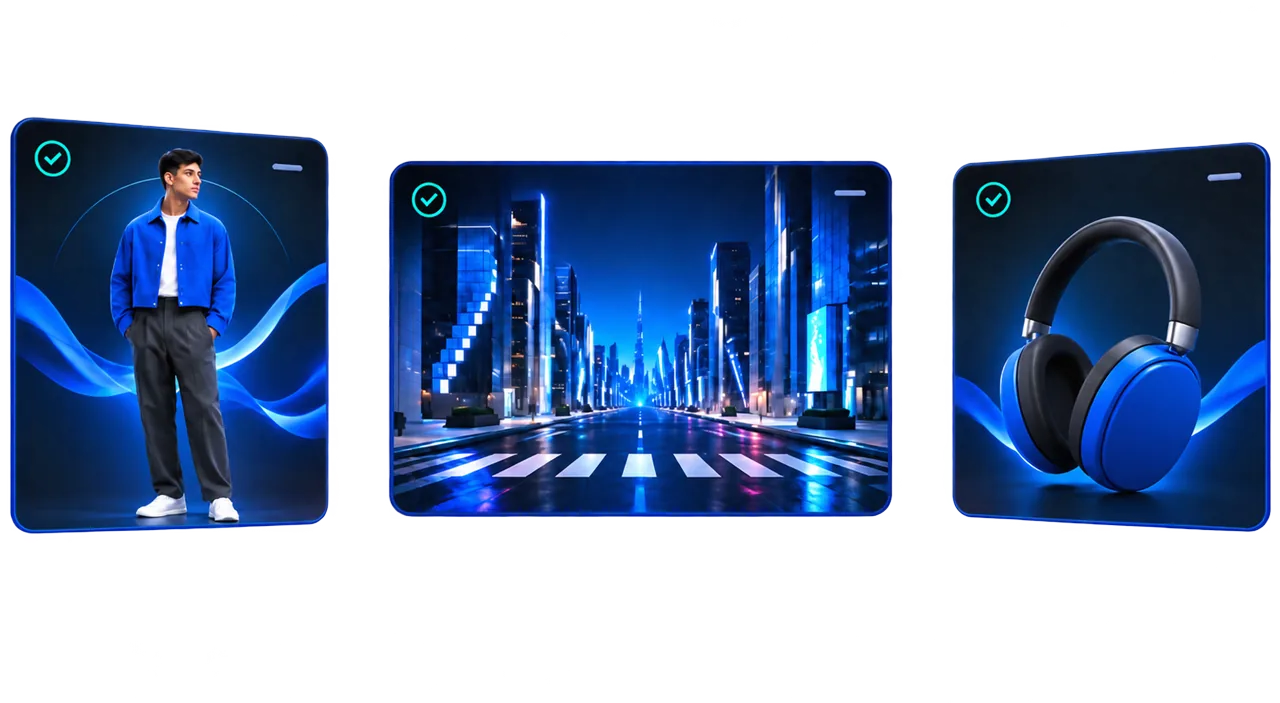
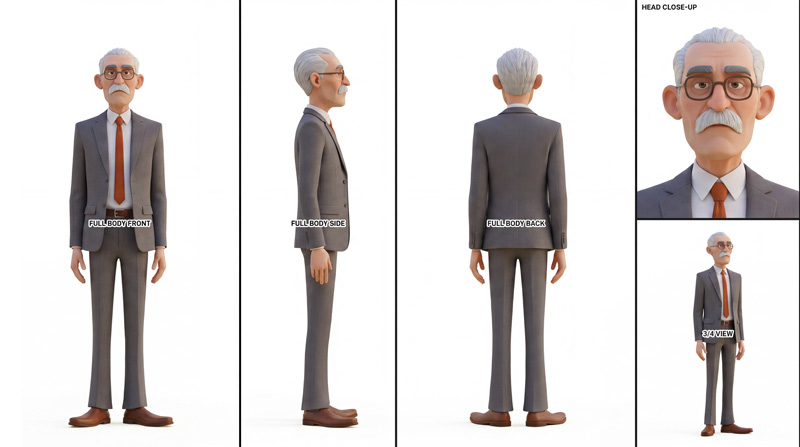
Characters. Locations. Everything connected.
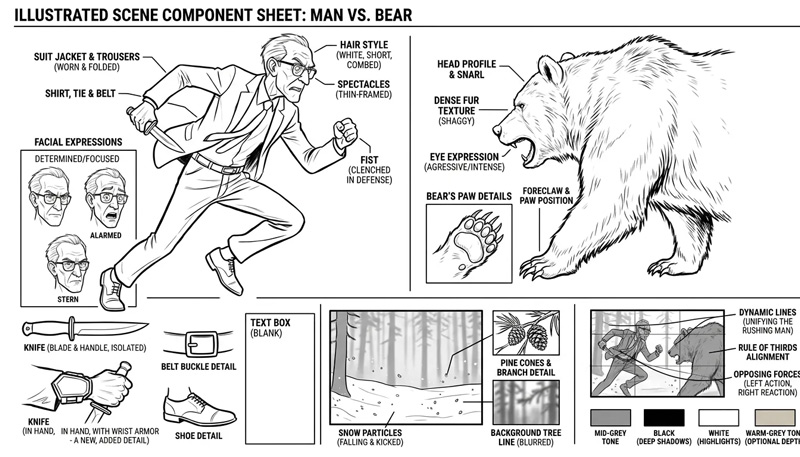
Define your characters, environments and props. ANI helps build a consistent production plan, keeping your creative decisions connected across every shot.
Review and refine at every stage.
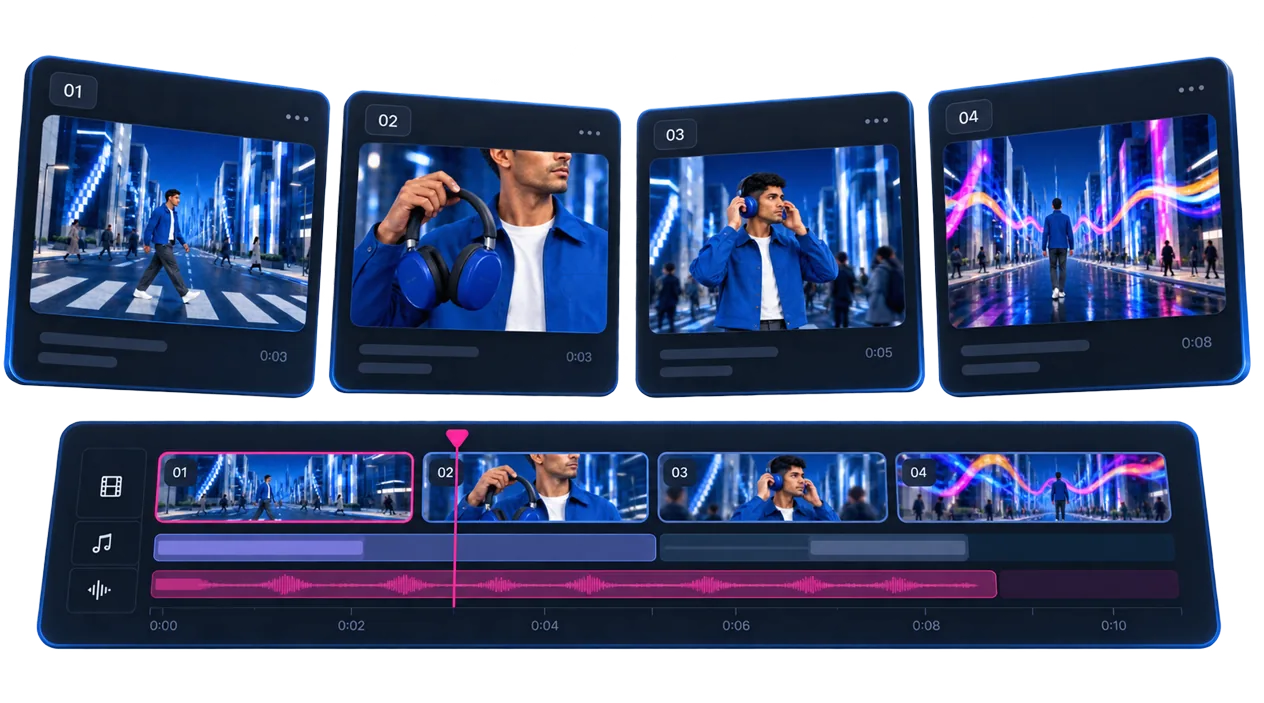
Bring it to life
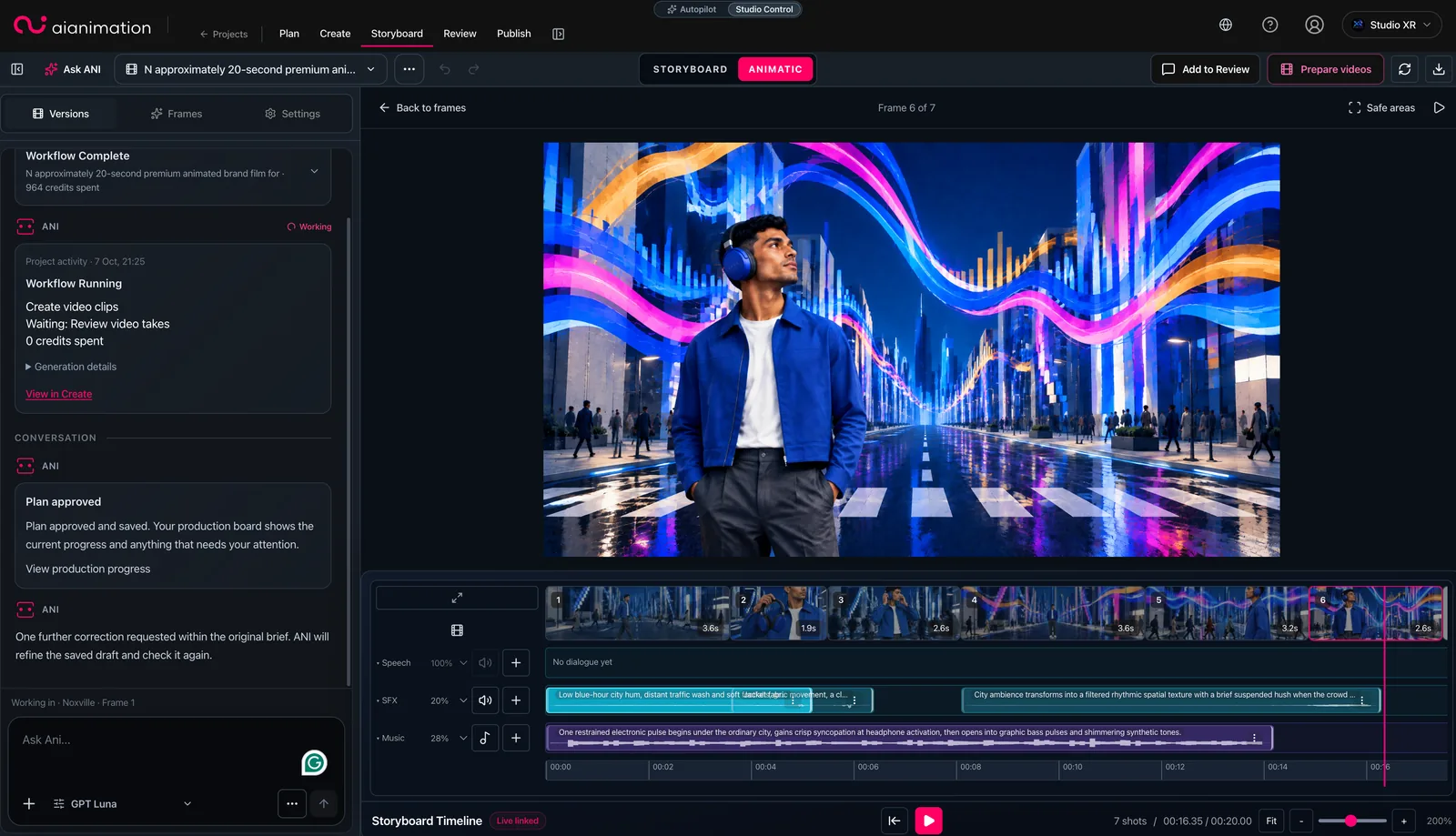
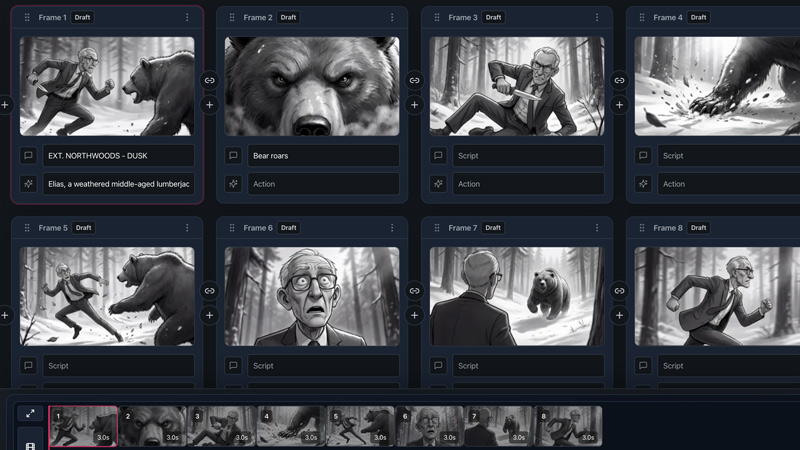
From storyboard to finished video.
Develop your shots, review your storyboard, create an animatic and bring everything together into a finished video.
Change the plan. Not your entire workflow.
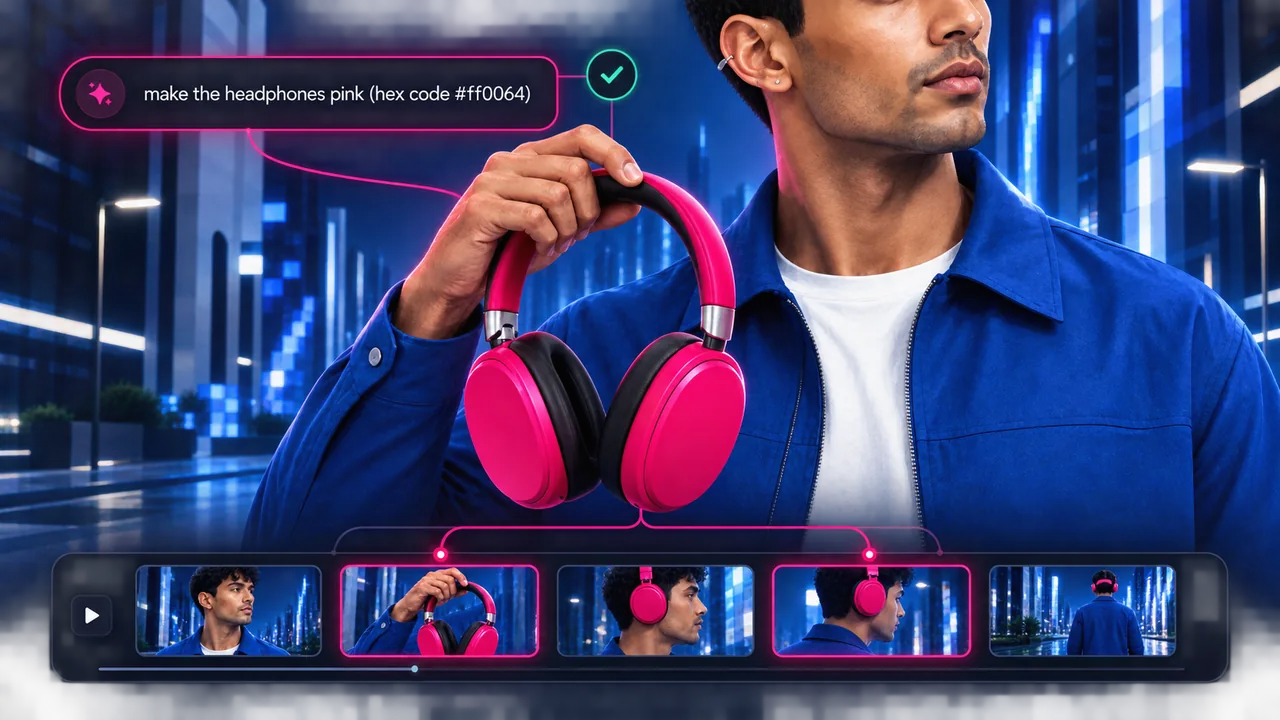
Change anything. Keep everything in sync.
One change. Every affected shot.
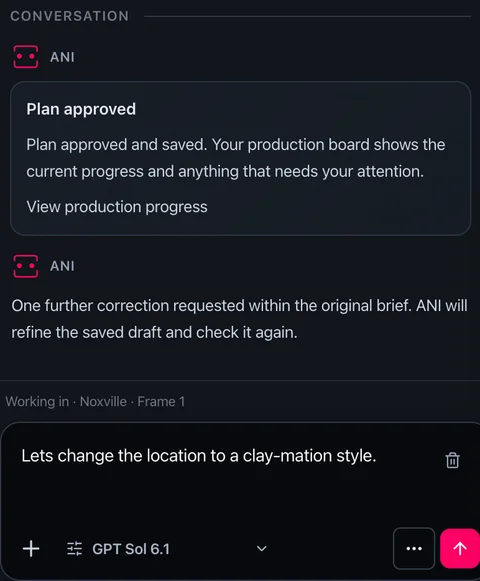
Need to change a character, location or creative decision? ANI understands your production, identifies the affected shots and helps you update them without starting again.
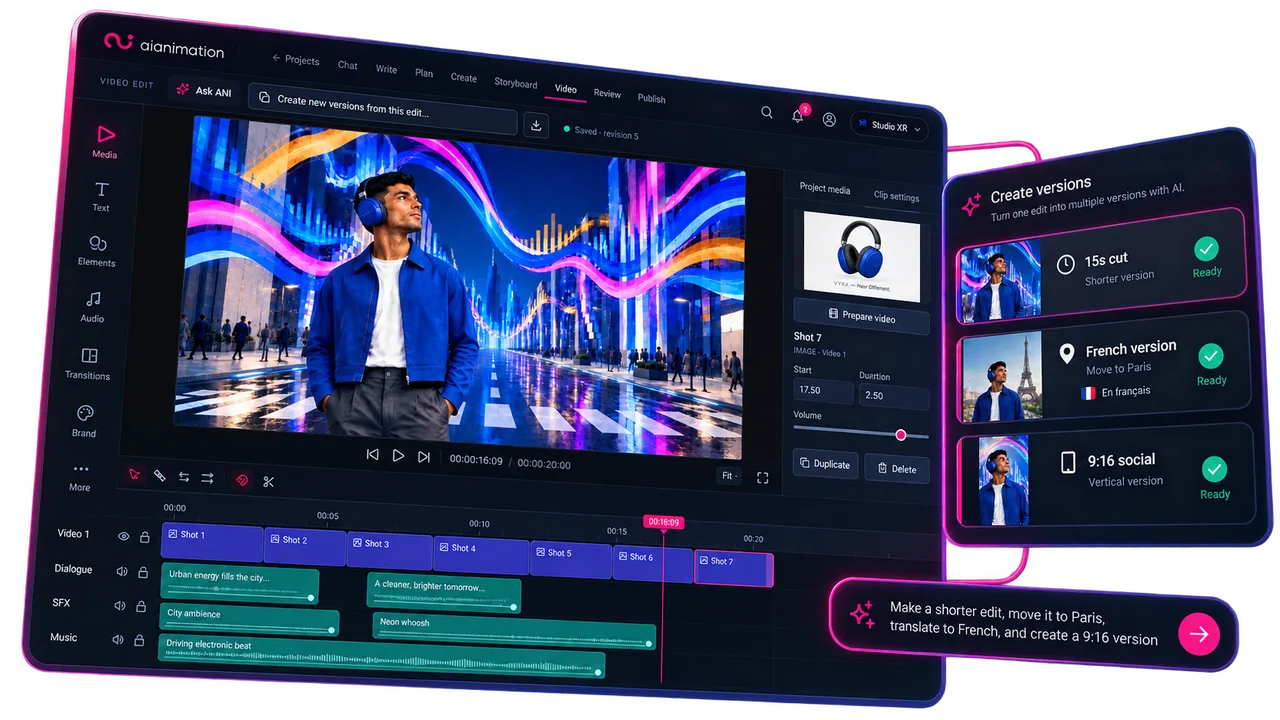
Shape alternative versions
One project. More possibilities.
Create a new version of your project while keeping the key elements that make it yours. Make a shorter edit, explore a different aspect ratio or adapt it for another language.
Studio Control
Full creative control.
Whenever you need it.
Let ANI handle the production workflow, or take control yourself. Refine individual shots, experiment with AI models and perfect every detail.
The simplicity of a prompt. The control of a studio.
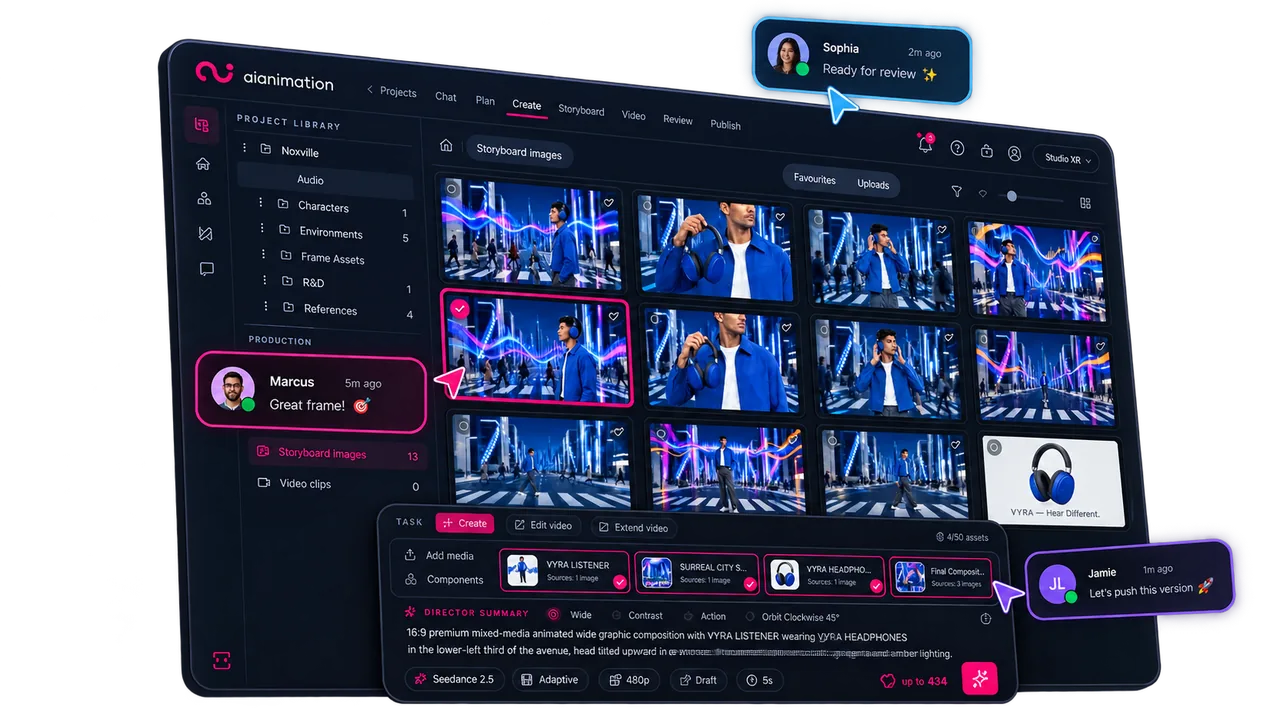
AI video production
Make the production.Keep it connected.
Develop the idea, create the shots and shape the edit. Keep your references, versions and feedback with the work as the production takes shape.
Get startedPlanning · Generation · Collaboration · Review · Versioning
Your production assistant
Ani sees the whole production.
Develop a script, organise the shots or find the references you need. ANI works with your project context to help you move the production forward. You decide when to use it.

Built with production teams
Why we built it.
“AI Animation gives our global creative team access to leading AI models without losing control. We can set project-level rules, track usage, manage rights, and keep production moving in one shared workspace. It’s the oversight we need to deliver AI video work for real clients.”

Matt Wright
CEO, Synima
“AI Animation grew from a problem I saw over 20+ years in animation, production and code: the missing piece wasn’t another generator — it was a production system. AI tools can make assets. Studios need a way to plan, manage, review and deliver the work around them.”

Jon Draper
Founder, AI Animation

Can I use AI Animation on my own?
Yes. Work on your own or invite a team into the same production workspace. Start with an idea and develop the project at your own pace.
Can I start with a single idea or shot?
Yes. Start with a concept, script, reference or shot and develop the project as you go. You do not need a complete production plan to begin.
Can I take more creative control?
Yes. Switch to Studio Control at any point to manually refine individual shots, explore advanced tools, build storyboards and shape your video edit. ANI remains available whenever you need help.
Can I keep using my existing production tools?
Yes. Build storyboards, develop assets and assemble work in AI Animation, then continue finishing in your existing tools. Storyboard workflows include PDF and Premiere XML export.
What can I do for free?
Create a workspace, plan projects, collaborate and explore selected AI models with starter credits. No credit card is required and there is no time limit. Upgrade when you’re ready for the supported image and video model catalogue, monthly shared credits and access to additional credit packs.
Your next production starts here.
Start free, on your own or with a team. No credit card required.