Create Studio
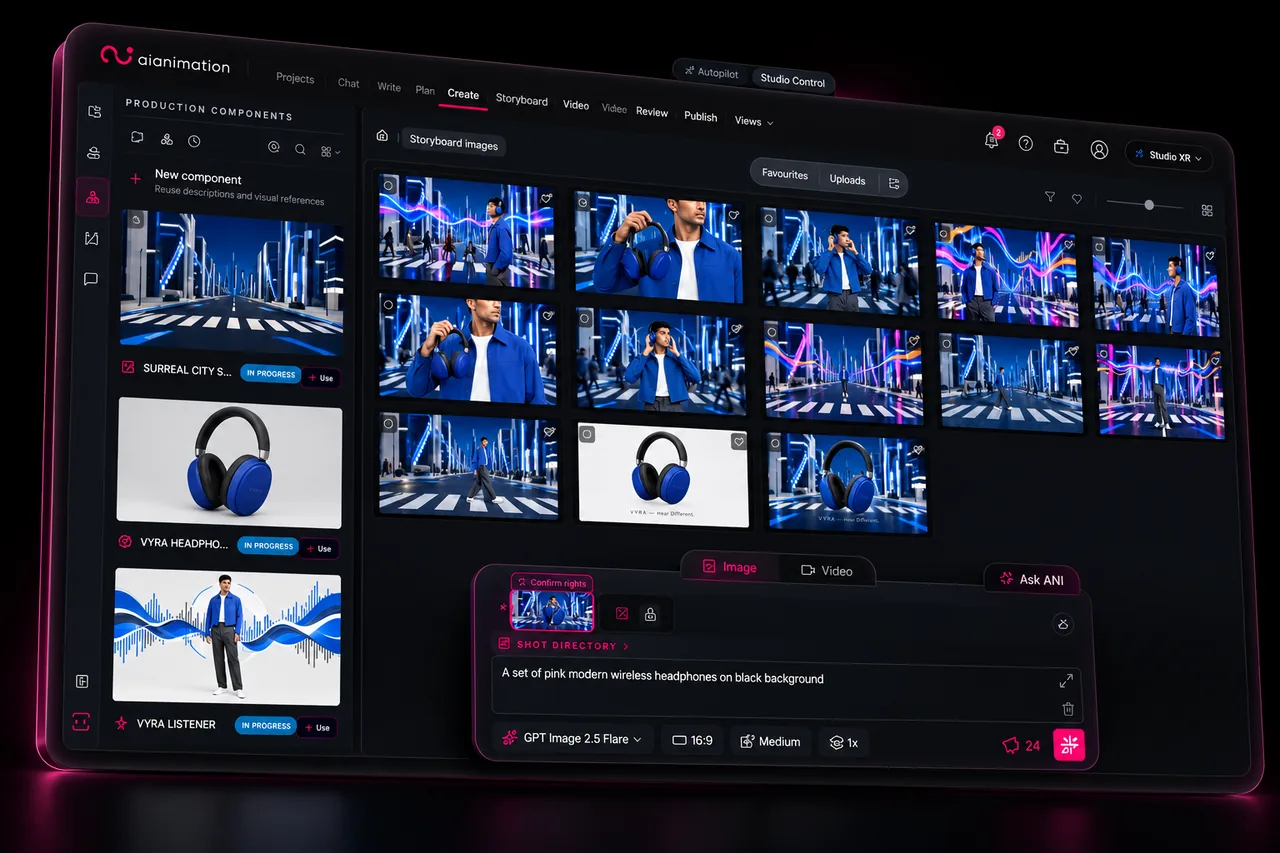
Generate and refine images, video and audio with leading AI models. Keep your characters, references and creative choices connected.

AI video production for creators & teams
Turn an idea into a complete video production with ANI. Let AI handle the work, or take creative control whenever you want.
Built in collaboration with

A global creative video agency
Used on work for
Featured in

Award-winning platform
Best AI Tool · 2026
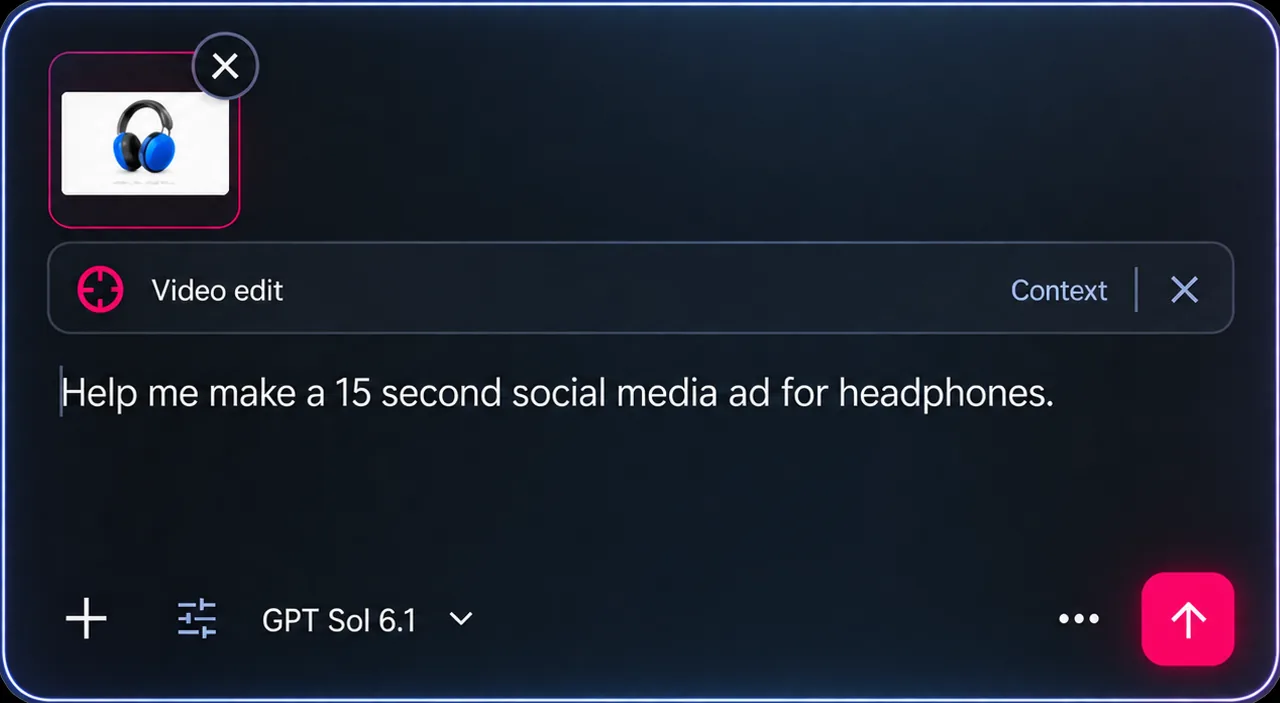
Every great production starts somewhere.
Give ANI your idea, brief or script. Develop it together into a clear creative direction.
Your creative decisions stay connected.
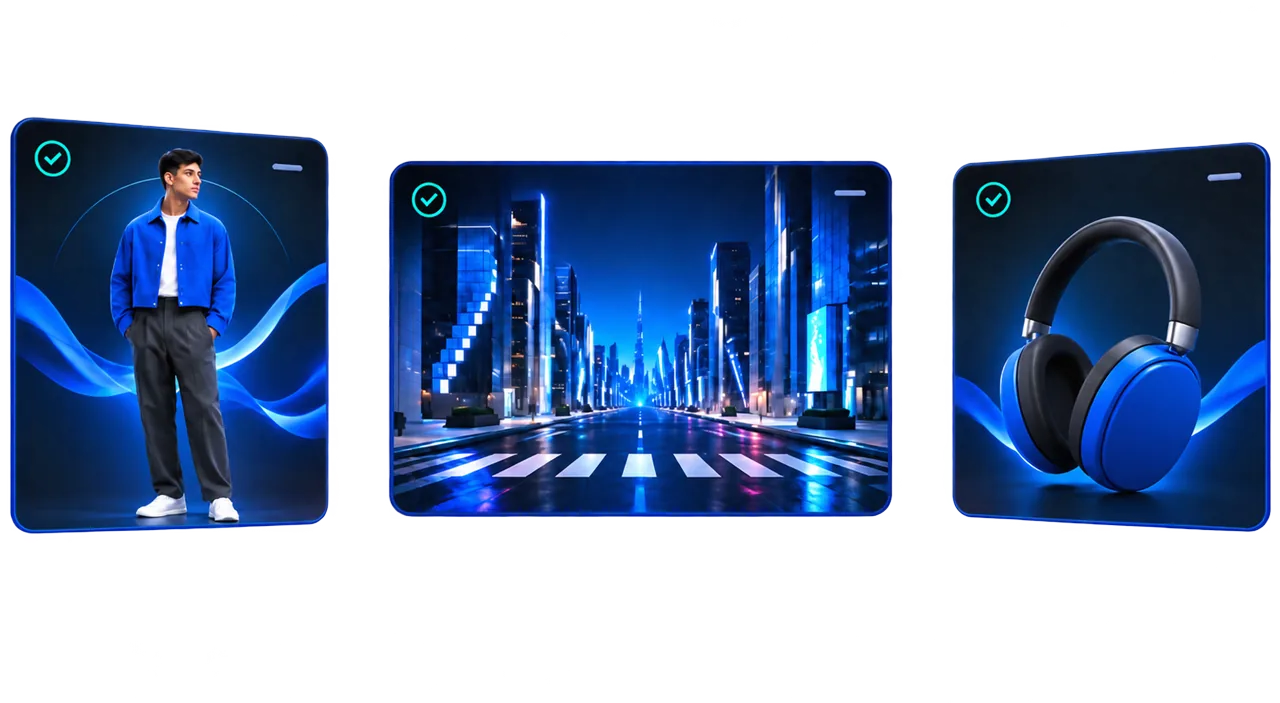
Characters. Locations. Everything connected.
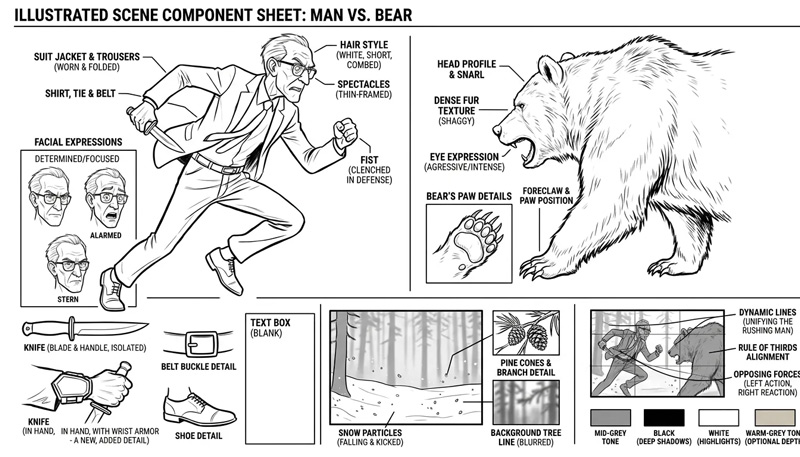
Define your characters, environments and props. ANI helps build a consistent production plan, keeping your creative decisions connected across every shot.
Review and refine at every stage.
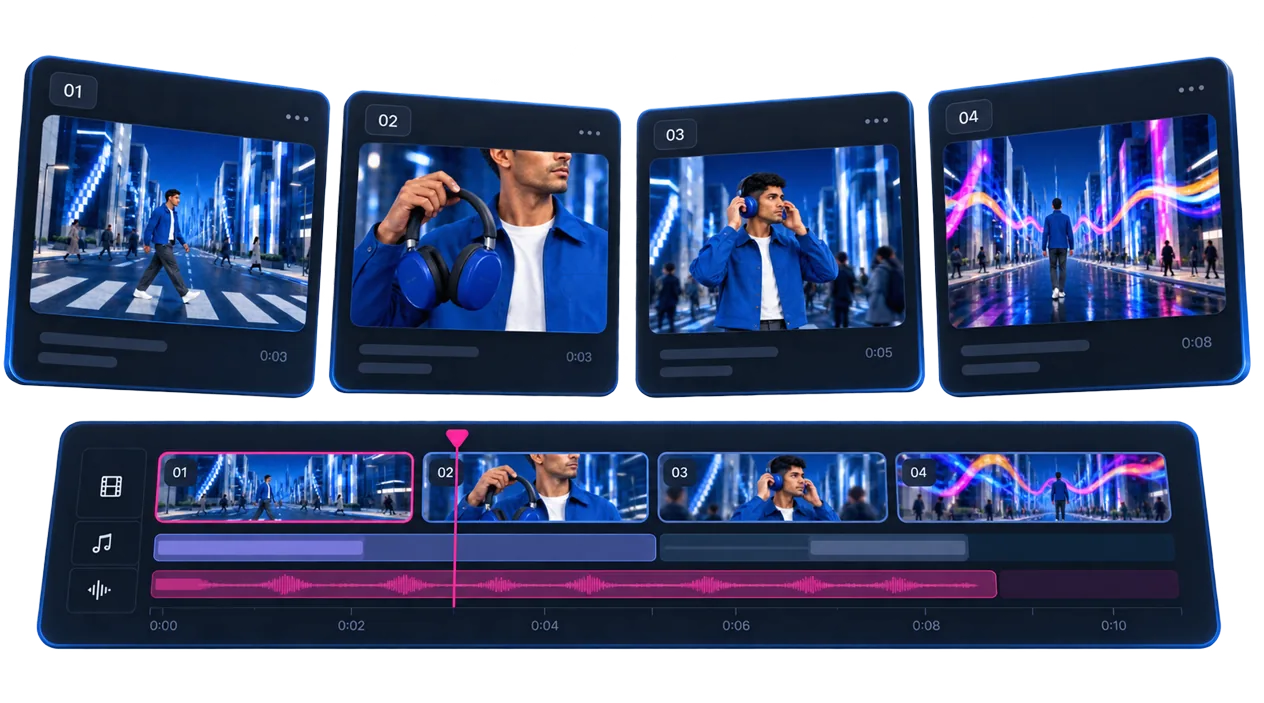
From storyboard to finished video.
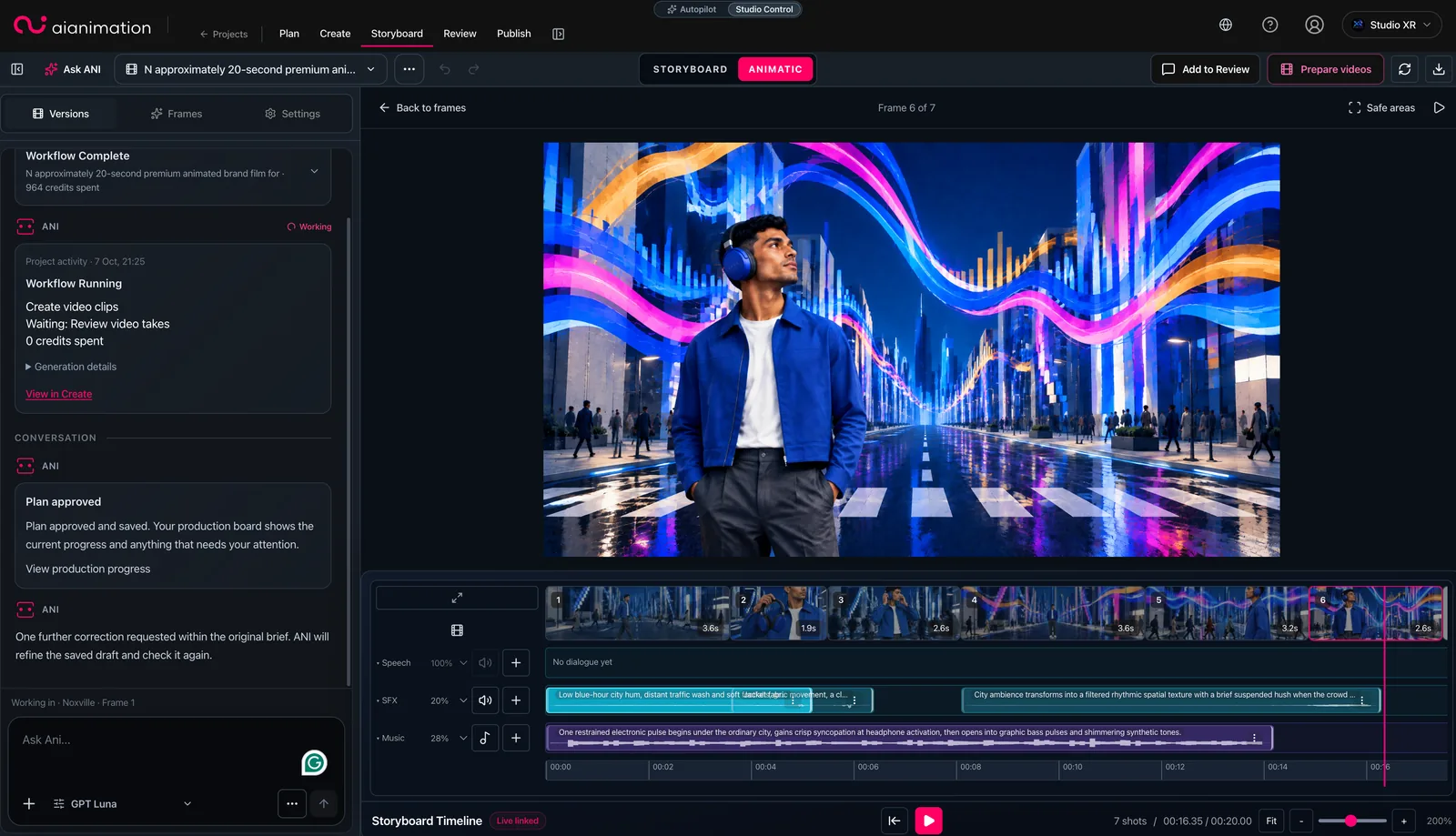
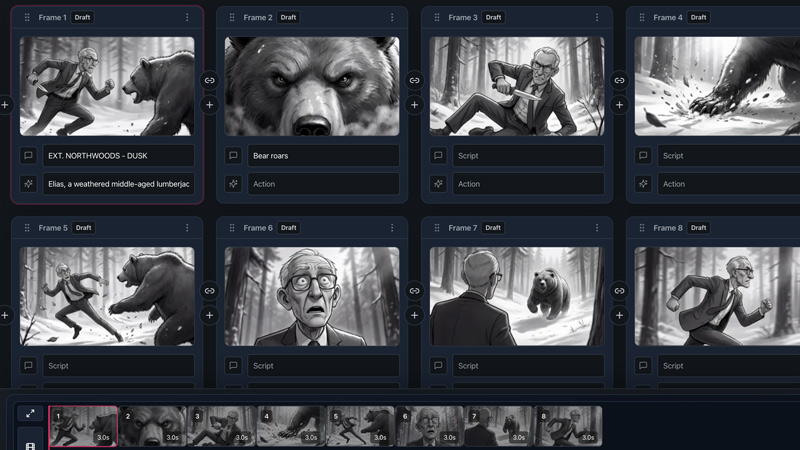
Develop your shots, review your storyboard, create an animatic and bring everything together into a finished video.
Change the plan. Not your entire workflow.
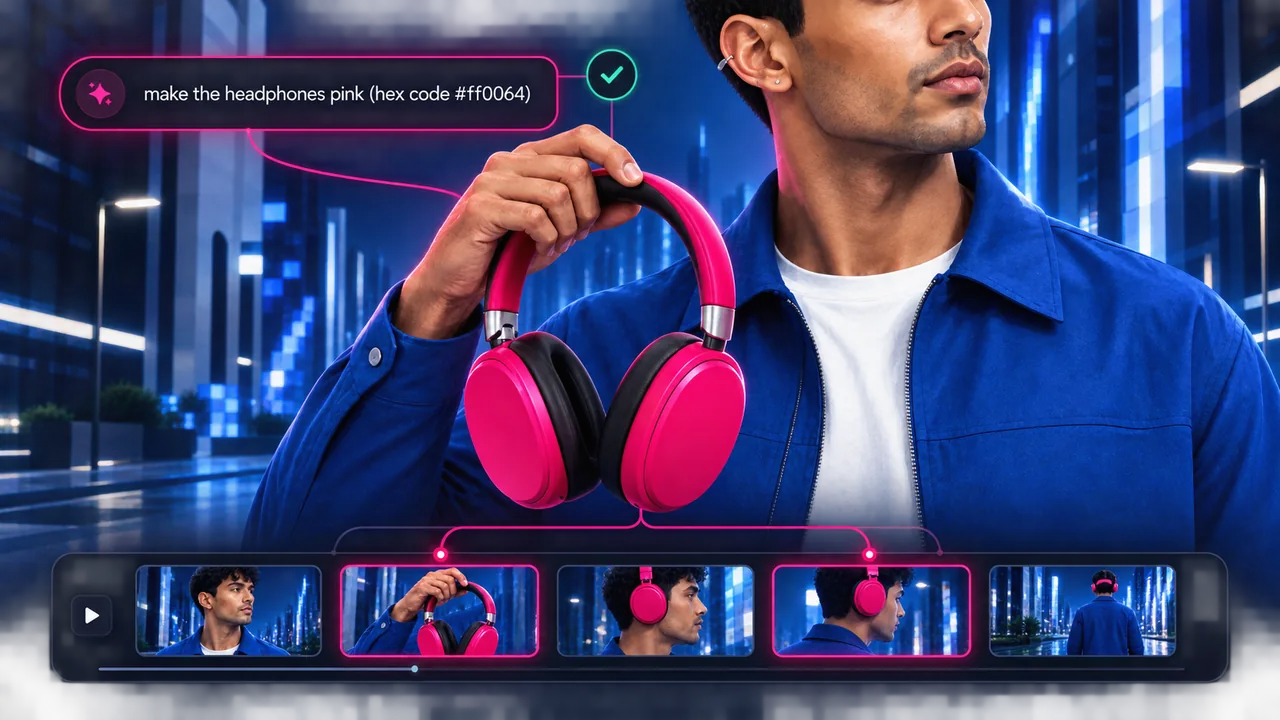
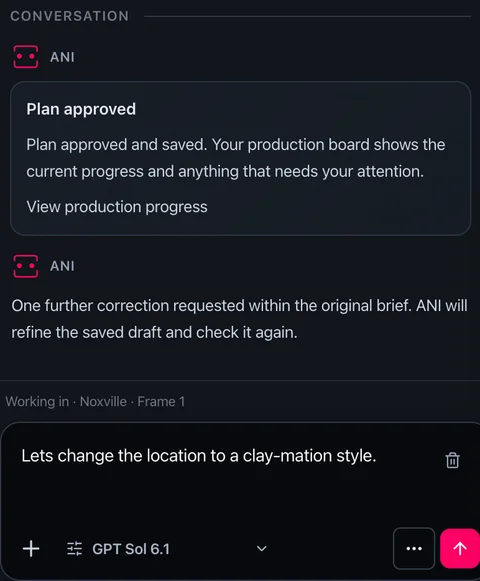
One change. Every affected shot.
Need to change a character, location or creative decision? ANI understands your production, identifies the affected shots and helps you update them without starting again.
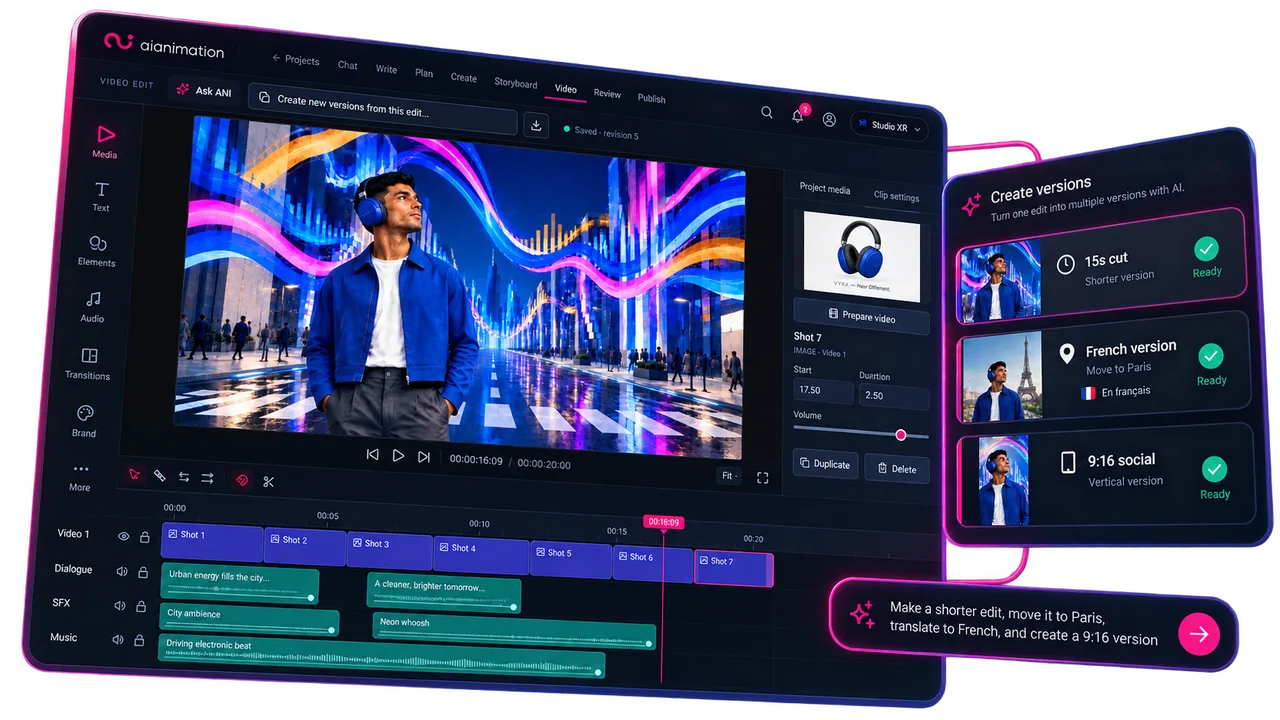
One project. More possibilities.
Create a new version of your project while keeping the key elements that make it yours. Make a shorter edit, explore a different aspect ratio or adapt it for another language.
Studio Control
Let ANI handle the production workflow, or take control yourself. Refine individual shots, experiment with AI models and perfect every detail.
The simplicity of a prompt. The control of a studio.
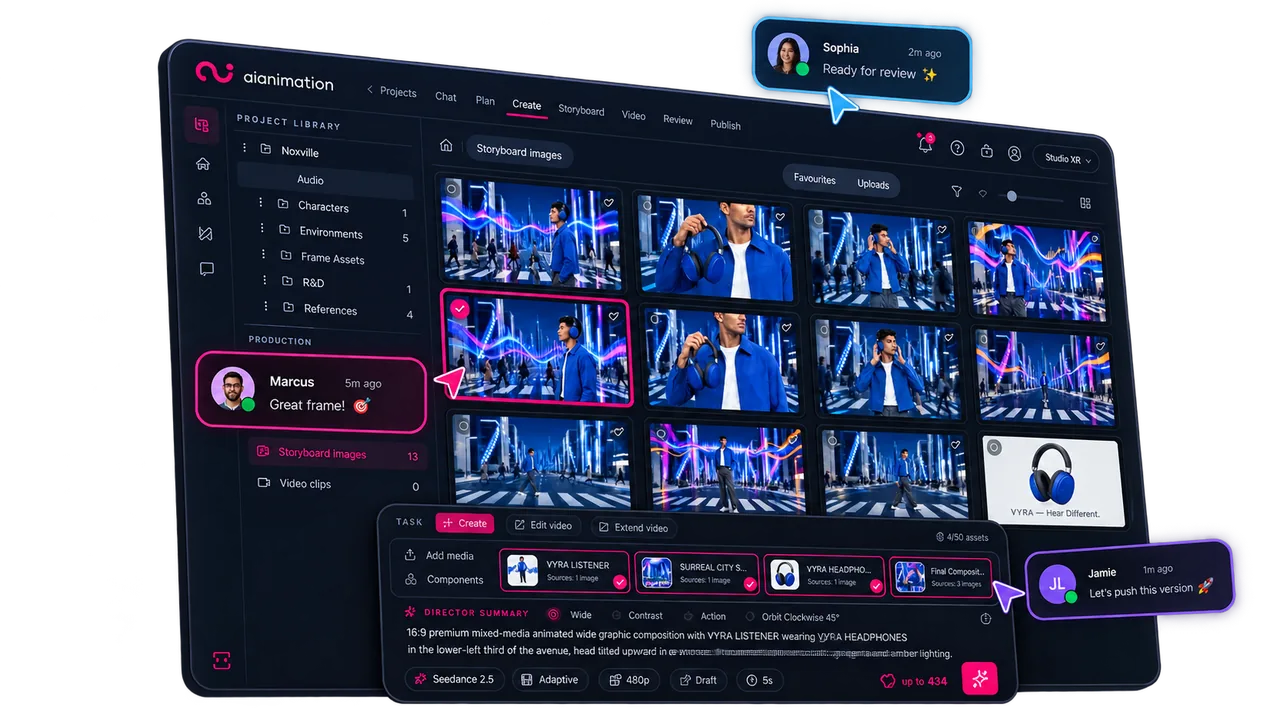
Let ANI handle the production, or get hands-on with the tools whenever you need more control.
Generate and refine images, video and audio with leading AI models. Keep your characters, references and creative choices connected.
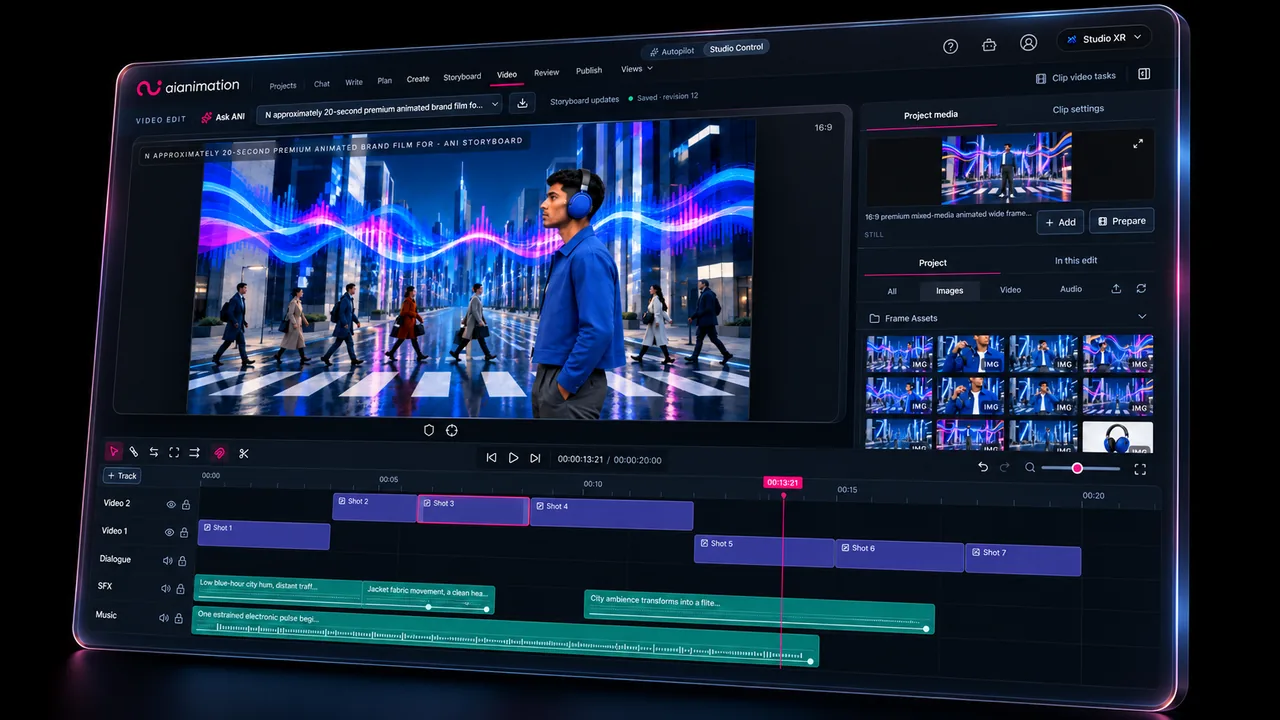
Bring shots, dialogue, sound and music together. Shape the timing, refine the cut and build your finished video in one workspace.
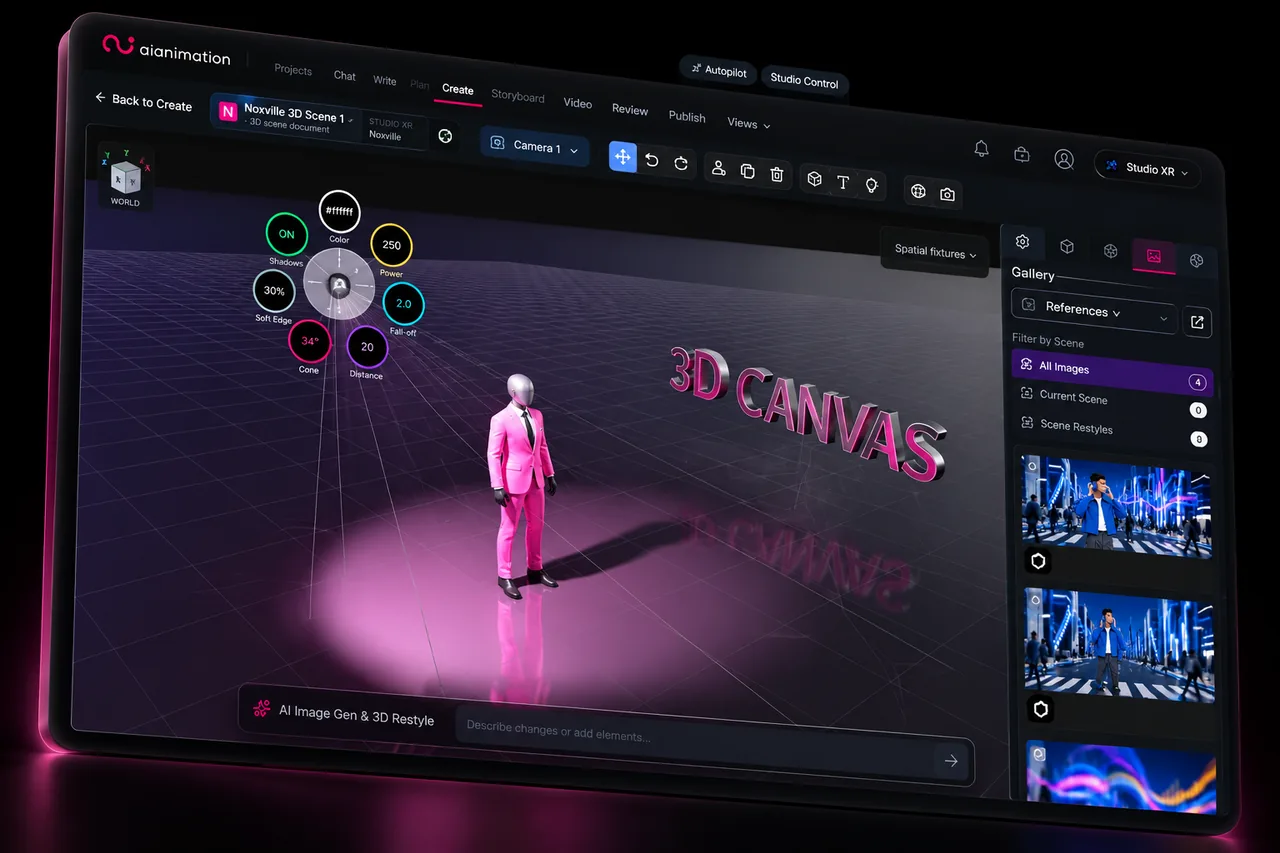
Go beyond prompting with precise control over 3D composition, camera positioning and spatial layouts.
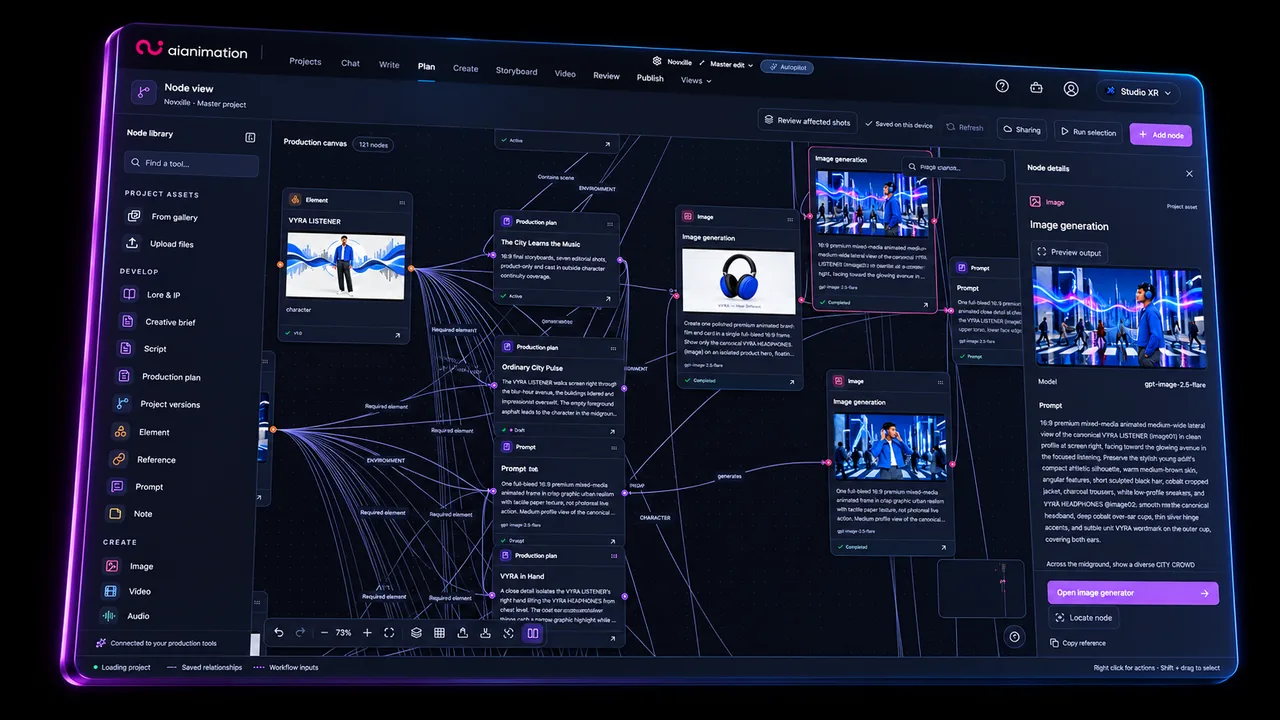
For creatives who love the wonderful world of spaghetti. Build and connect powerful node-based AI generation workflows.
AI video production
Develop the idea, create the shots and shape the edit. Keep your references, versions and feedback with the work as the production takes shape.
Get startedPlanning · Generation · Collaboration · Review · Versioning
Your production assistant
 sees the whole production.
Develop a script, organise shots or find the references you need. ANI works with your project context to move the production forward. It helps you quickly refine your work and create new versions for audiences around the world. You decide when to use it.
Keep creative freedom within the boundaries your team and clients require.
Enable only the models and features your workspace permits.
Maintain rights records alongside your production references.
Review provider-specific processing and training policies before choosing a model.
Invite your team into a shared workspace and share private review links with clients.
Built with production teams
“AI Animation gives our global creative team access to leading AI models without losing control. We can set project-level rules, track usage, manage rights, and keep production moving in one shared workspace. It’s the oversight we need to deliver AI video work for real clients.”

Matt Wright
CEO, Synima
“AI Animation grew from a problem I saw over 20+ years in animation, production and code: the missing piece wasn’t another generator — it was a production system. AI tools can make assets. Studios need a way to plan, manage, review and deliver the work around them.”
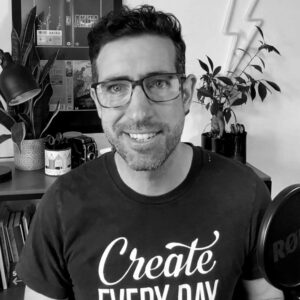
Jon Draper
Founder, AI Animation
Yes. Work on your own or invite a team into the same production workspace. Start with an idea and develop the project at your own pace.
Yes. Start with a concept, script, reference or shot and develop the project as you go. You do not need a complete production plan to begin.
Yes. Switch to Studio Control at any point to manually refine individual shots, explore advanced tools, build storyboards and shape your video edit. ANI remains available whenever you need help.
Yes. Build storyboards, develop assets and assemble work in AI Animation, then continue finishing in your existing tools. Storyboard workflows include PDF and Premiere XML export.
Create a workspace, plan projects, collaborate and explore selected AI models with starter credits. No credit card is required and there is no time limit. Upgrade when you’re ready for the supported image and video model catalogue, monthly shared credits and access to additional credit packs.
You retain your rights in uploaded content, and AIAnimation does not claim ownership of your generated media. We do not use your content to train our own general-purpose AI models. Third-party processing, retention and training terms vary by model and provider route. You can disable models and features within your workspace to keep your team using only the tools you or your clients permit. Read our privacy policy and model provider policies.
Yes. The AI models available on AIAnimation support commercial use of generated output. You must have the necessary rights and permissions for reference media, copyrighted material, protected IP and identifiable people used in your inputs or depicted in the output. Review your finished work before publishing. Read our output-rights terms.
Start free, on your own or with a team. No credit card required.