Account setup & rollout
Plan the workspace structure, access requirements, onboarding and support needed to bring your organisation into production.

Enterprise
Bring your teams, workflows and operational requirements together. We’ll scope the setup, specialist capabilities and support your organisation needs.
Scope, capabilities and commercial terms agreed with you.
When Enterprise fits
SSO, integrations and custom features are requirements to discuss. Availability, scope and delivery are confirmed in your agreement.
Built with  , making client video since 2000.
Built around your requirements
Plan the workspace structure, access requirements, onboarding and support needed to bring your organisation into production.
Bring your identity, authentication and pipeline requirements. We will assess feasibility and agree any configuration or development before committing to delivery.
Discuss custom features, model routes and production requirements. The available capabilities, any additional development and provider terms are scoped together.
Agree team access, generation usage, invoicing and contract arrangements around the scale and needs of your organisation.
Clarity for your team
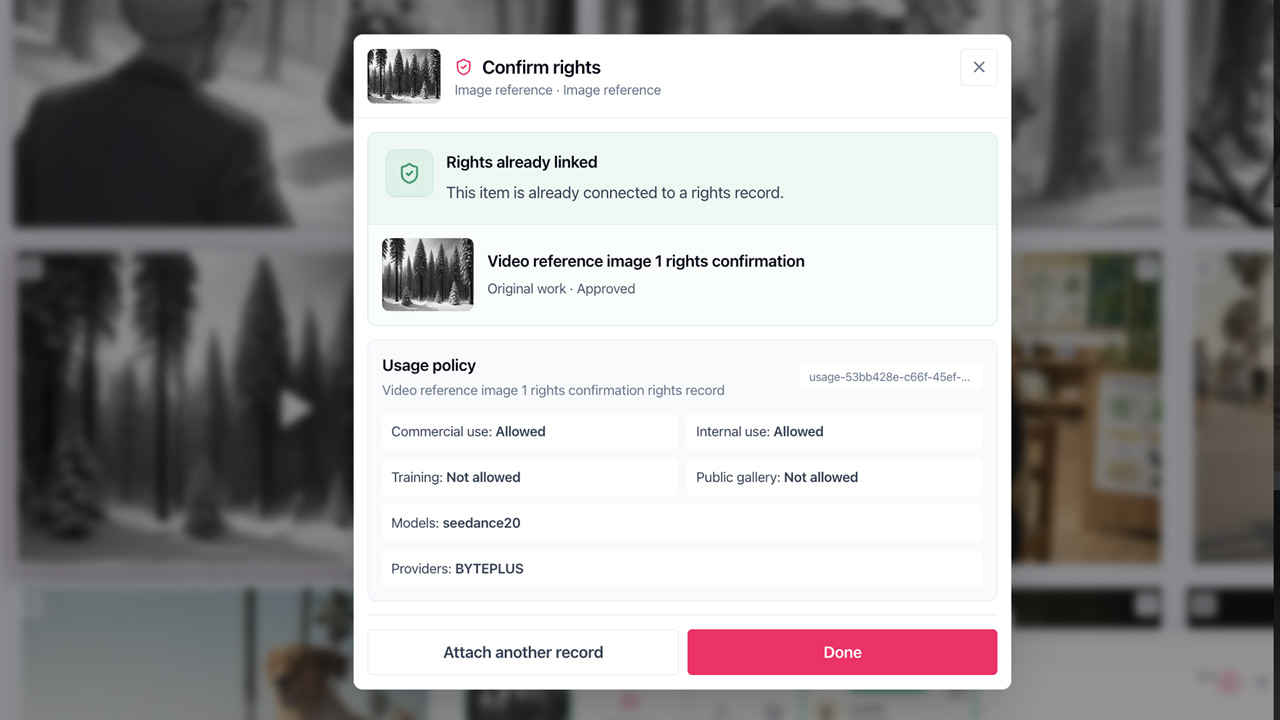
Connect references, versions, rights evidence and approvals with the production. For a tailored Enterprise workspace, agree the model routes and operational requirements with us before rollout.
Provider processing, retention and training terms depend on the route. Our trust and provider information describes their scope.
Review provider informationFrom conversation to production
01
Discuss the productions, people, existing tools and requirements that the setup needs to support.
02
Confirm capabilities, any custom work, commercial terms and a practical rollout or evaluation plan.
03
Configure the agreed workspace, support onboarding and review progress against your production goals.
Enterprise FAQ
Free and Paid use the same production workspace, with shared projects, team roles and client review. Free includes selected starter models; Paid adds access to the supported image and video model catalogue, monthly shared credits and the option to buy additional credit packs. Model availability depends on provider and workspace settings. Enterprise is for organisations that need a tailored account setup, rollout support, specialist workflows or custom commercial terms.
Yes. Share your requirements and we will assess the right approach. These capabilities are subject to scoping and agreement; availability, any development work and delivery timings are confirmed before you commit.
We agree the providers and routes available to your workspace and document the relevant protections. Processing, retention and training terms depend on the provider and route; our trust and provider information explains the scope.
We can discuss an evaluation around a real brief, the people involved and what you need to prove. Any configuration, onboarding, support and charges are agreed as part of that scope.
Pricing is agreed around your team, usage, configuration, specialist requirements and support. Tell us what your organisation needs so we can scope the setup and commercial terms with you.
Bring a workflow, a production brief or a list of requirements. We’ll discuss the right setup with you.