Brief, plan and script
Establish the production brief, source script and creative direction before generation begins.
AIAnimation.com connects planning, production structure, storyboards, multi-model generation, assets, review, approvals and delivery. It is not another isolated generator: the models generate assets; AI Animation keeps the production connected.
Connected production
Each stage works with the same production context, so the team does not have to reconstruct the project around each new model, asset or review round.
Establish the production brief, source script and creative direction before generation begins.
Break the work into components, characters, environments, scenes and shots that the team can reference throughout the project.
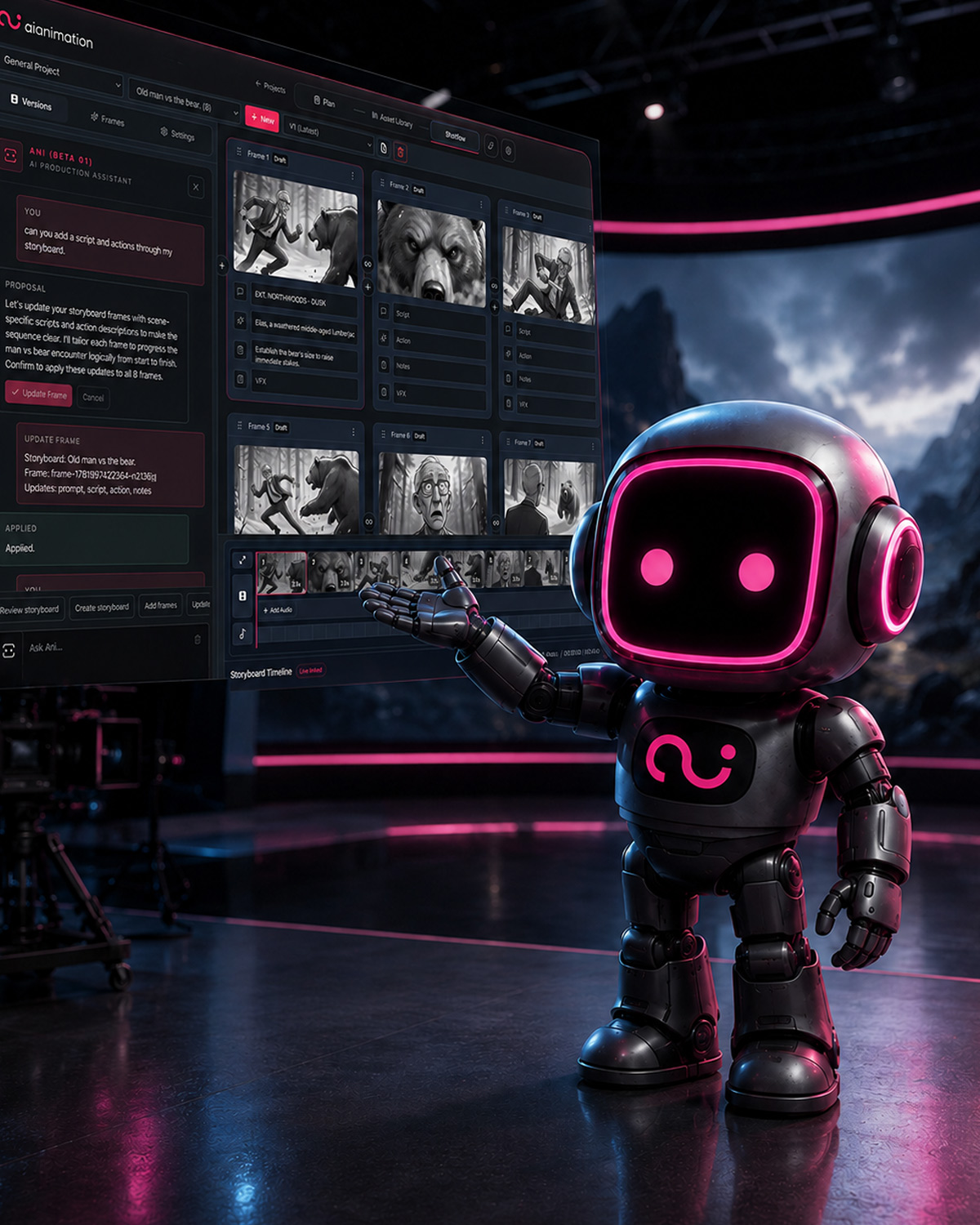
Lay out frames, script and action lines, connect references, preview an animatic and revise the board as the production changes.
Use supported image and video models inside the project. Availability, routing and data terms depend on the workspace configuration.
Keep notes, revisions, rights information, likeness evidence and approval state with the relevant assets and production records.
Export production assets, storyboard PDFs and Premiere XML, then continue finishing work in the studio tools your team already uses.
A production graph, not a folder of outputs
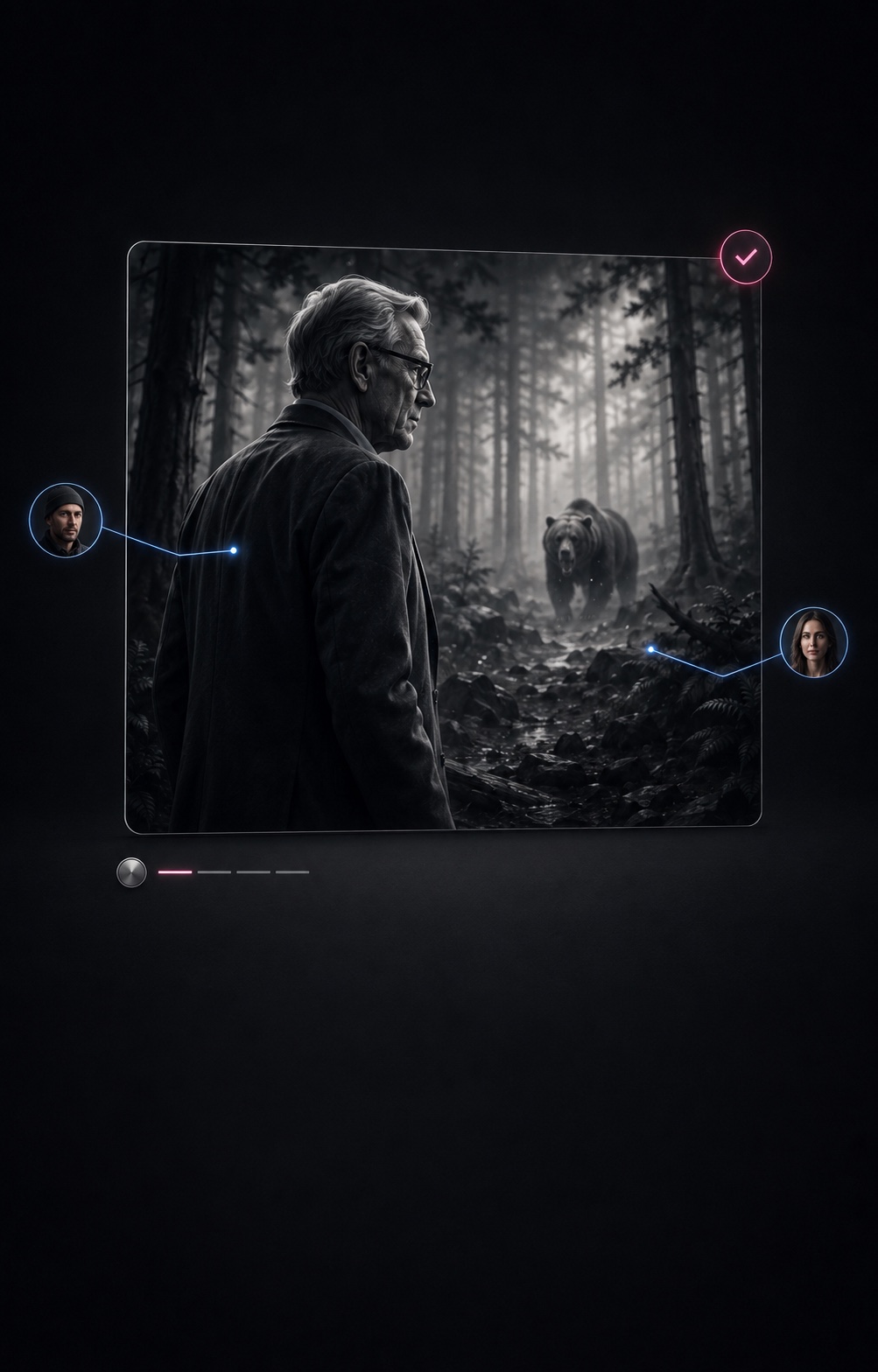
A generated frame is more valuable when the team can see the shot, character, reference, prompt, model route, version and approval context around it.
Organisation workspaces, project access, shared assets, reviews and production history give artists, producers and reviewers a common source of context.
Rights, likeness, provider route and generation records can remain associated with the relevant project and assets. See the factual scope on the Trust page.
Where AI Animation sits
The right choice depends on the production. AI Animation is most useful when a professional team needs several stages and model routes to remain part of one controlled project.
| Category | Examples | Primary role | AI Animation's distinction |
|---|---|---|---|
| Individual model providers | Veo and other model families | Generate or transform media through a specific model capability. | AI Animation keeps the surrounding production structure available when a team changes the model used for a shot or asset. |
| Generator interfaces | Runway, Adobe Firefly and similar products | Provide creation interfaces and workflows around their supported model ecosystems. | AI Animation is organised around a production spanning models: scripts, components, scenes, shots, storyboards, assets, review and governance remain connected. |
| Internal or custom pipelines | ComfyUI graphs and studio-built tooling | Offer deep control and custom routing for technical teams willing to build and maintain the workflow. | AI Animation provides a shared production workspace for artists, producers and reviewers, while still handing assets into established studio pipelines. |
| Multi-model production workspace | AIAnimation.com | Coordinates production context, supported model access, team work, evidence and delivery. | It does not replace the underlying models or every specialist finishing tool; it is the production layer that connects their outputs. |
ANI
ANI helps teams move from a brief into scripts, production structure, components, shots, storyboard frames and generation actions without discarding the context already established in the project. Actions that change production structure or spend credits remain subject to the product's confirmation flow.
What is ANI?Pipeline fit
AI Animation is not intended to replace Premiere, After Effects, Blender or Maya. It organises planning and generative production, then hands media and records into the wider pipeline. Storyboards support PDF and Premiere XML export; generated images, video and other assets can continue through the team's established finishing process.
Read the production pipeline guideEvaluation and Studio Pilot
The objective is to assess fit against a real production need, not to force a generic self-service trial.
Define the production, team, model routes, data requirements and success criteria.
Set up the agreed workspace, access, usage and governance for the evaluation or pilot.
Run representative work, examine the records and hand-off, then decide whether and how to expand.
No. AIAnimation.com is a production platform around generative models. Supported models create or transform assets; the platform connects those assets to the project's scripts, components, characters, scenes, shots, storyboards, reviews and records.
It is intended primarily for professional animation and VFX studios, agencies, production companies and in-house creative teams. Access is qualified so the workspace and evaluation can be configured around a real production need.
No. Model availability depends on the plan, provider availability, workspace policy and agreed route. AI Animation records the model route used and publishes provider-specific information rather than treating every route as equivalent.
No. AI Animation covers planning, generative asset development, production structure, collaboration and review. Teams can export assets for finishing in their existing tools; storyboard workflows also support PDF and Premiere XML export.
ANI is the production assistant inside AI Animation. It works with project context to help develop briefs and scripts, organise production structure, prepare generation actions, connect references and continue workflows. Credit-spending or structural actions remain subject to user confirmation where the product requires it.
A controlled evaluation tests the platform against a defined workflow with an agreed team and model scope. A configured Studio Pilot adds the workspace setup, onboarding, model routes, usage and governance needed to exercise a real production before a broader rollout.
We'll assess whether a controlled evaluation or configured Studio Pilot is the right next step.