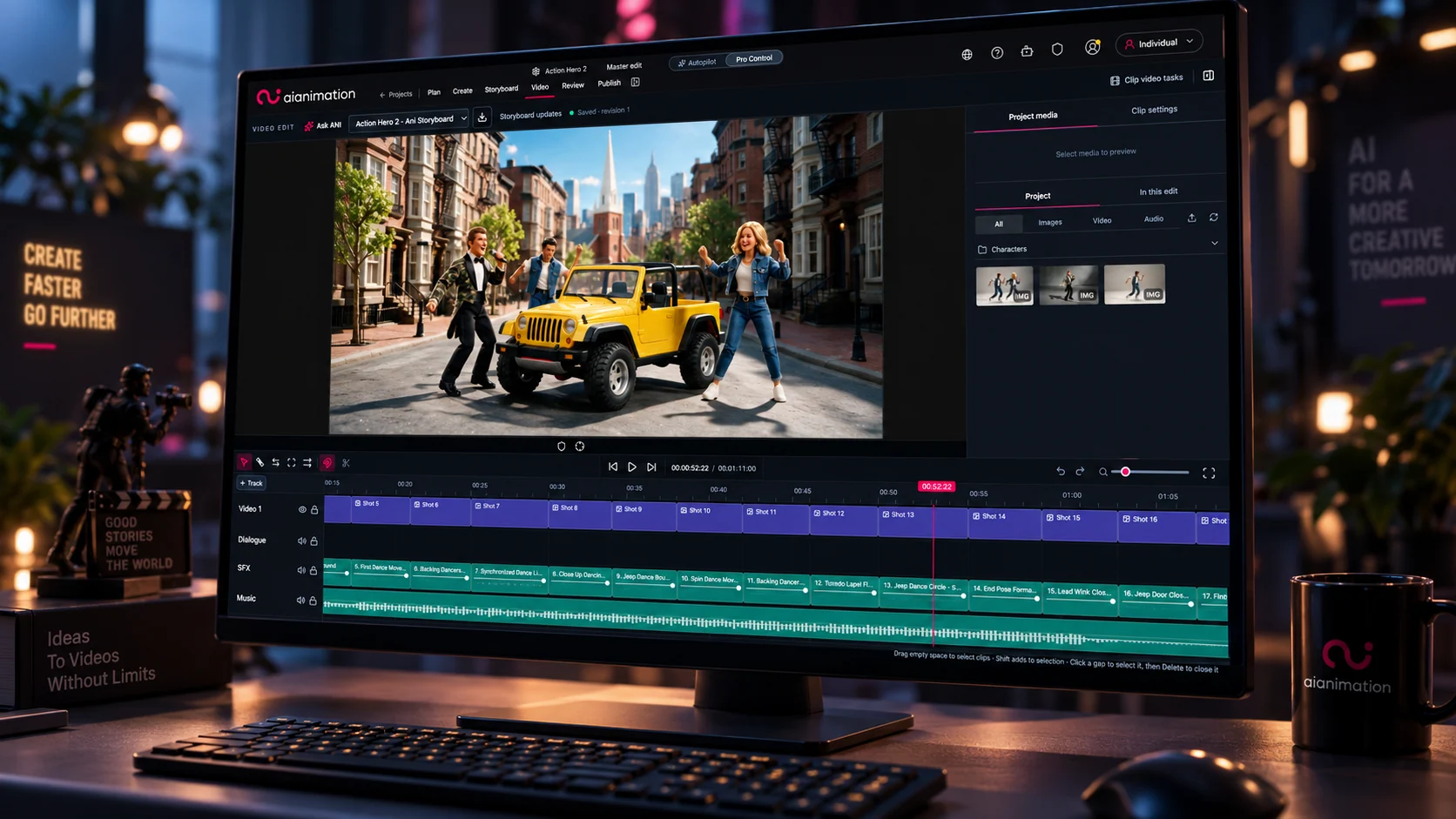
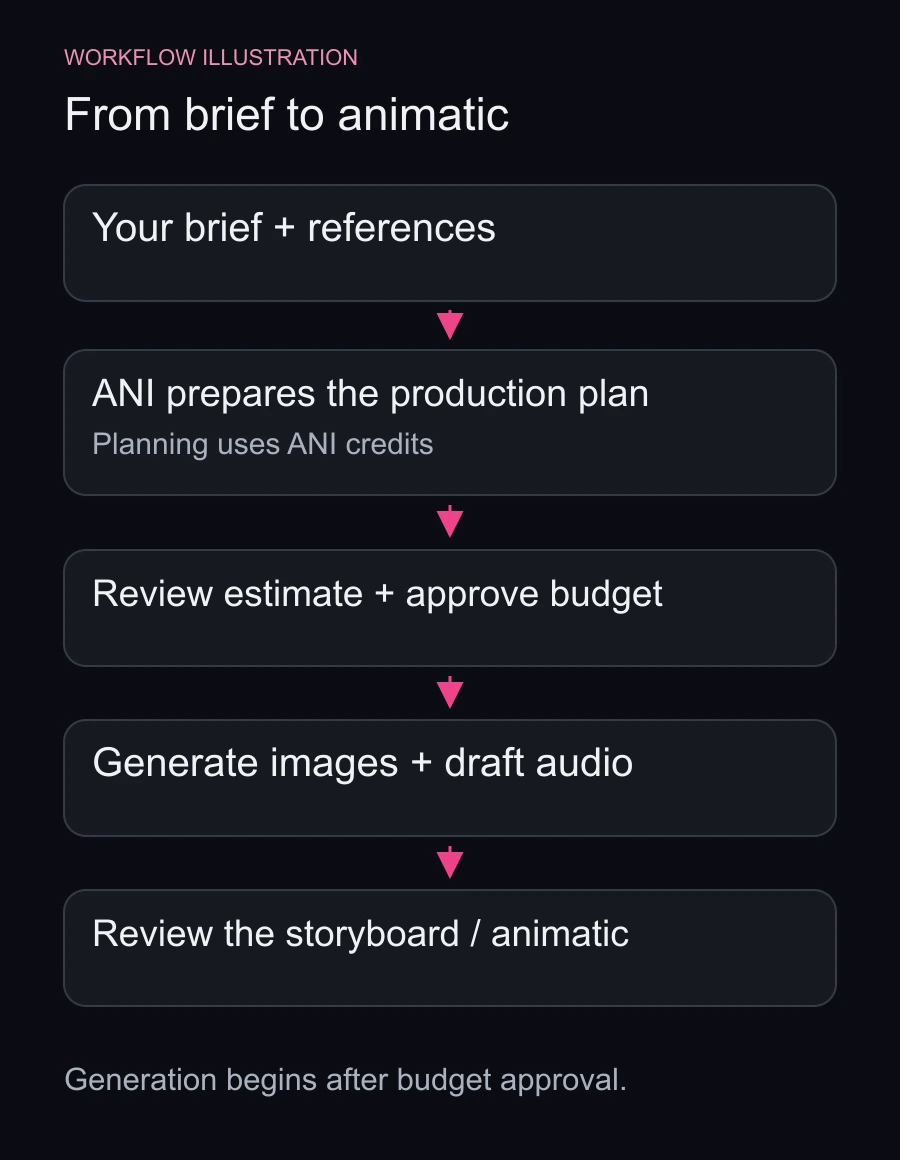
Give ANI a brief and watch your project take shape: a production plan, script, reusable characters and settings, storyboard images and draft audio for an animatic.
You choose how involved you want to be.
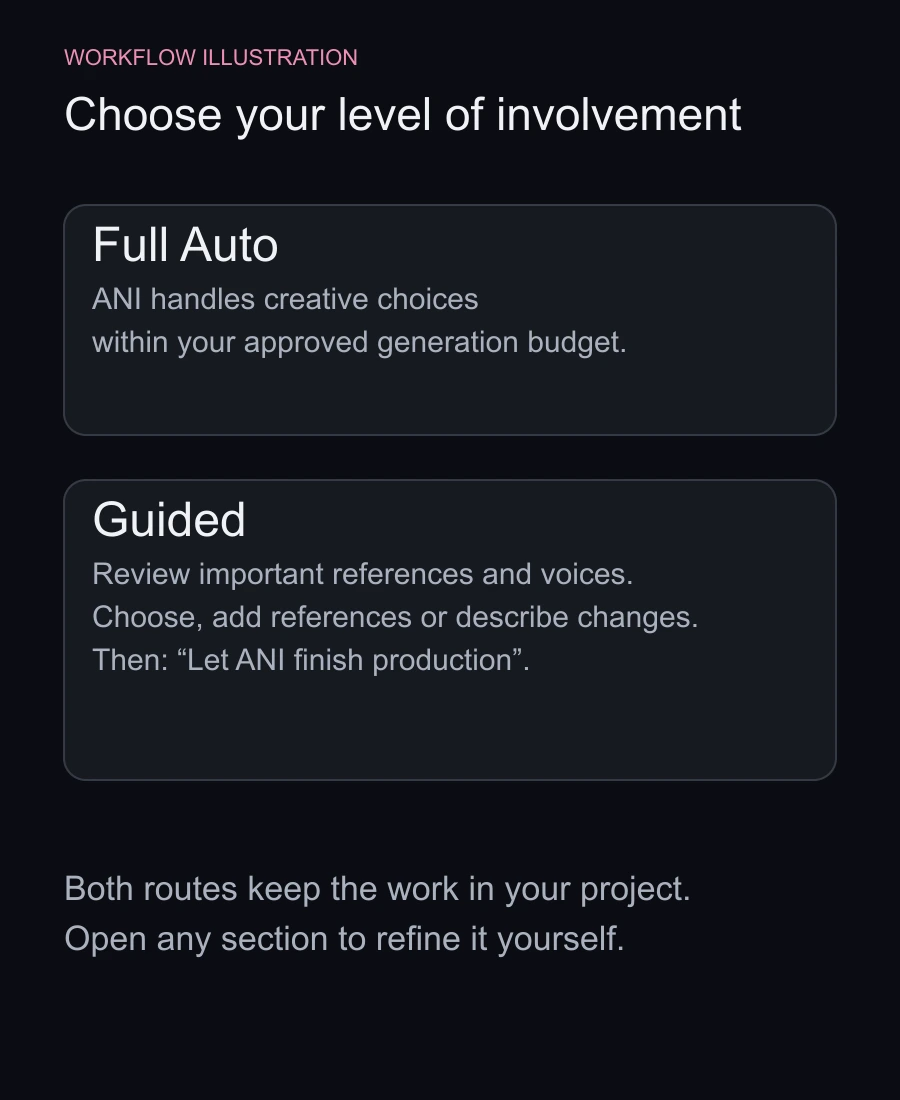
- Full Auto: let ANI make the creative choices and build the project within your approved budget.
- Guided: shape the important choices, such as a character’s appearance, a featured product or a voice, while ANI handles the rest.
Already have a script, brand guidelines or reference images? Add them before planning so ANI can work from your existing direction. You can also choose components from your project library.
In Guided mode, visual previews and playable samples bring decisions into the conversation. Choose a reference, add supporting images or describe a change in your own words. You can follow the production’s progress while reviewing these choices. Once the direction feels right, select Let ANI finish production.
The project overview fills with actual artwork, storyboard frames and audio as they become ready. You can see what’s progressing and what needs your input, then open any section to refine it yourself.
Planning uses ANI credits. You review the production estimate and approve a spending limit before image and audio generation begins.
To start, create a project, enter your brief and choose Full Auto or Guided.