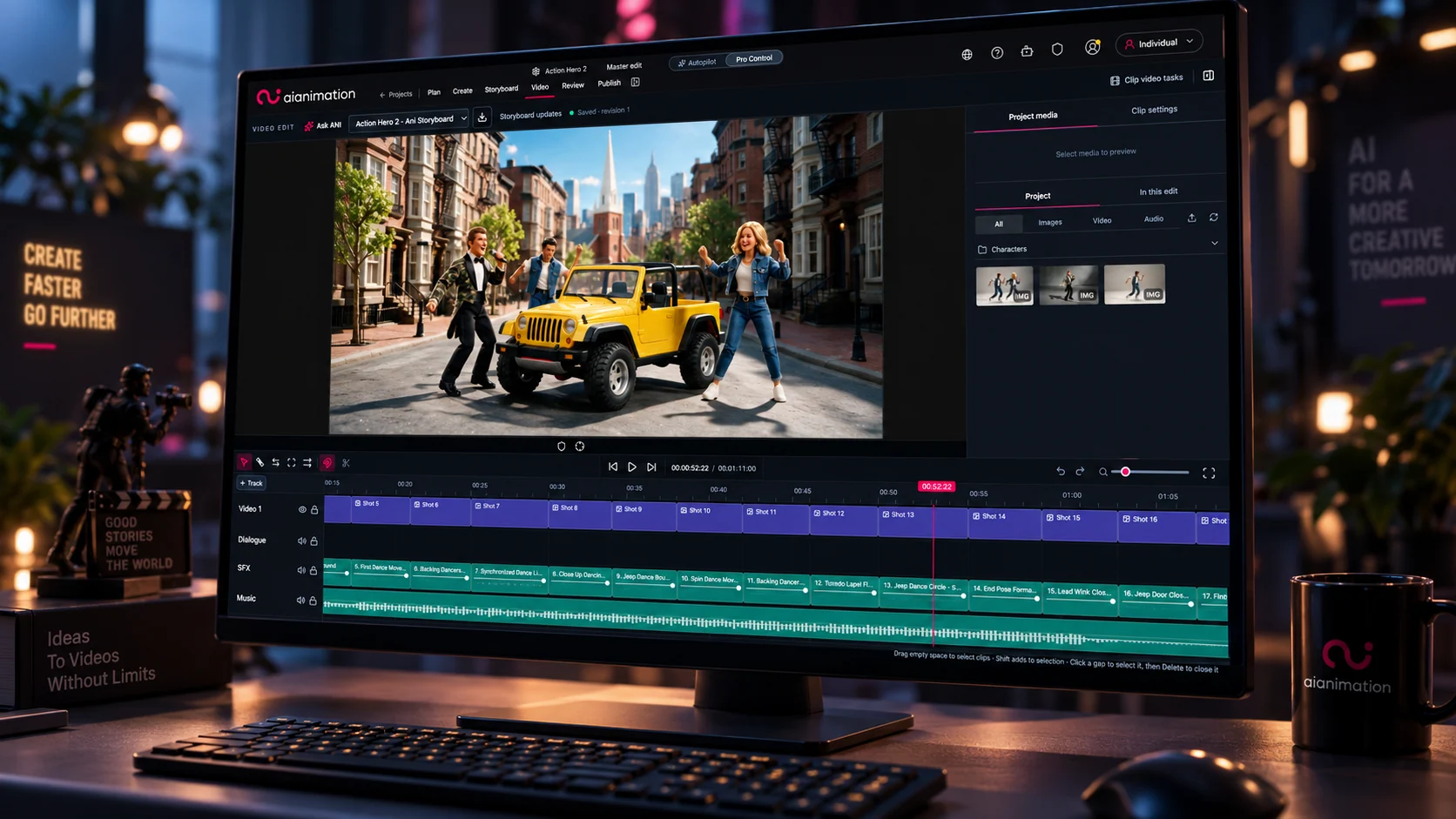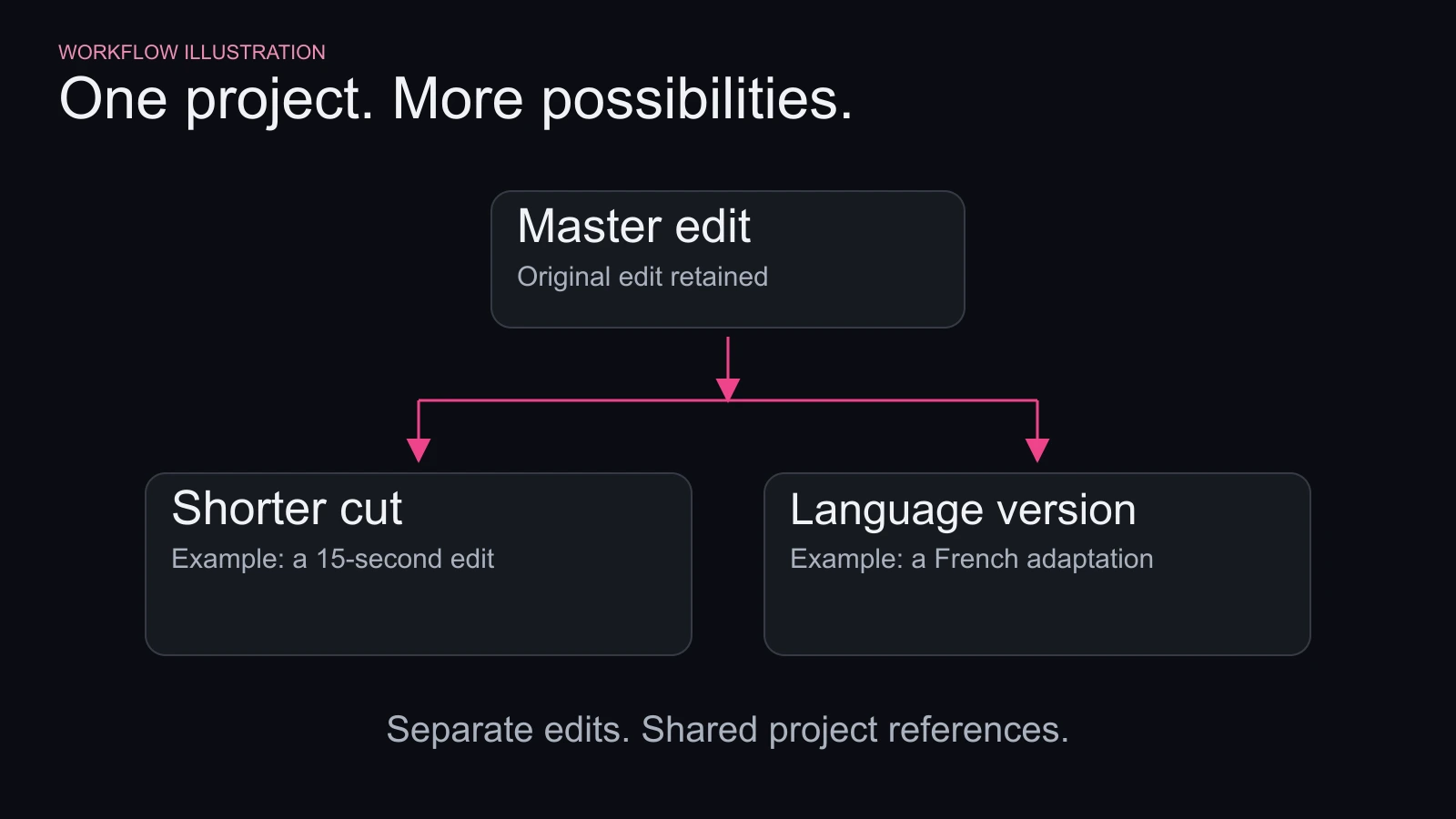
A shorter cut. A French adaptation. A different character. Project Versions gives you room to explore alternatives while keeping your original edit intact.
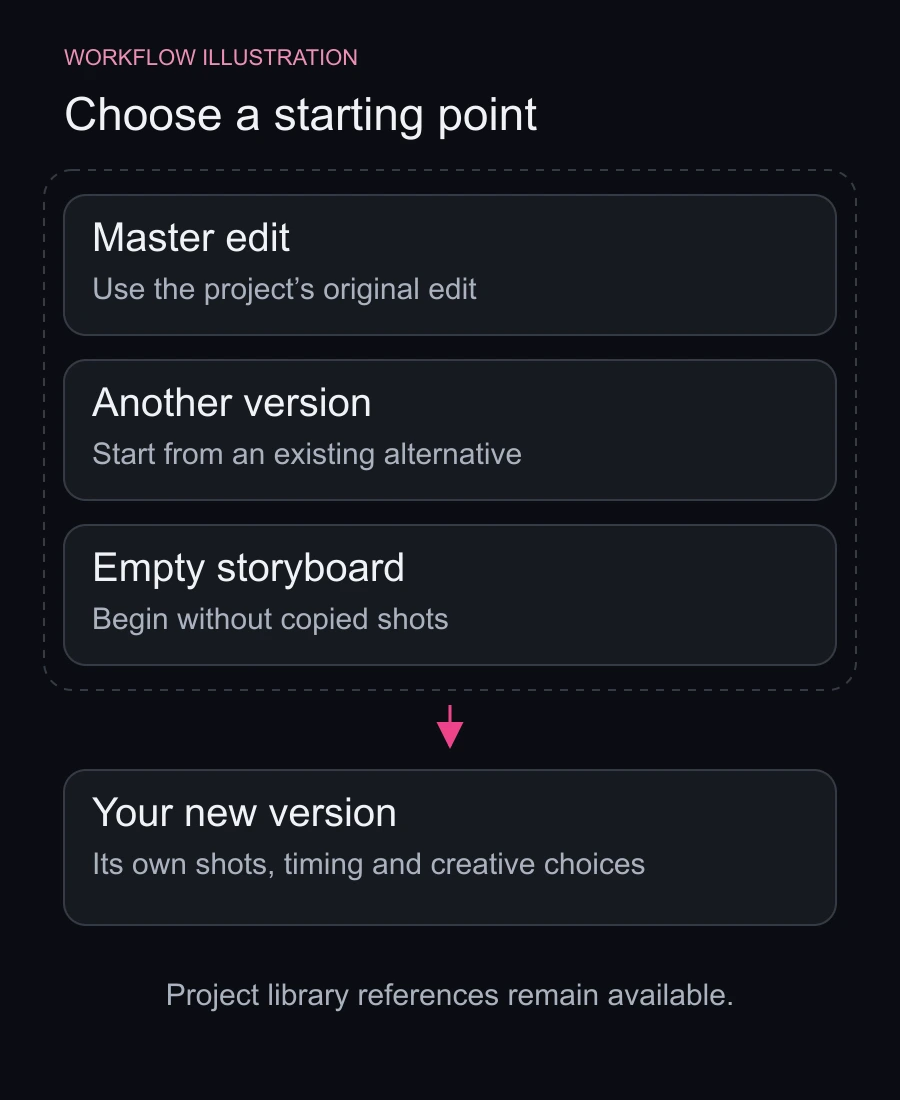
Start from your master edit, another version or an empty storyboard. Each version has its own shots, timing, audio and creative choices, with access to the project’s existing characters, settings and references. An empty storyboard can still draw on everything you’ve already built.
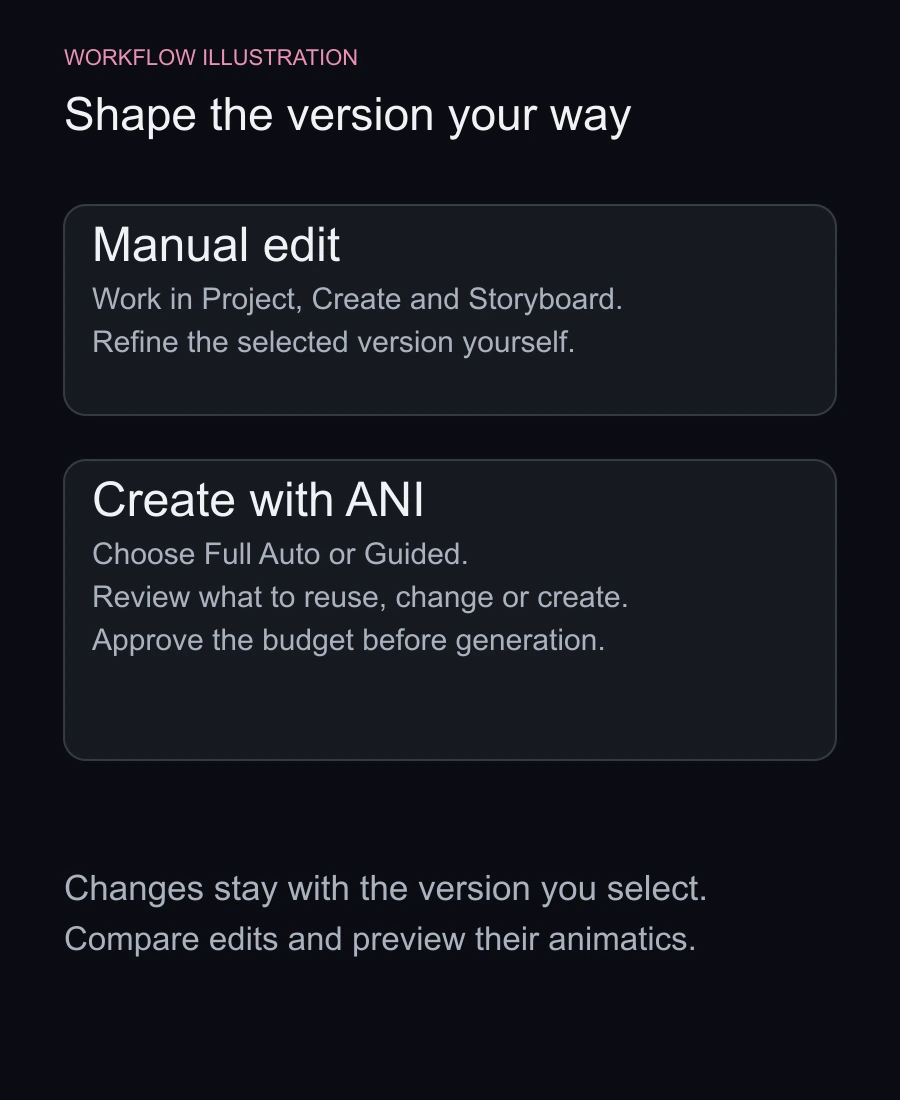
Work manually in the familiar Project, Create and Storyboard pages, or choose Create with ANI and describe what you want:
“Make a 15-second French adaptation using the same characters and visuals.”
ANI proposes what to reuse, what to change and what needs creating, alongside an estimate for the generation work. Choose Full Auto to let ANI carry it through, or Guided to review the important new decisions.
Review the estimate and approve the generation budget before ANI starts creating new assets.
Existing references can carry forward where they still fit. For a language adaptation, you can keep the character references and focus new decisions on translated dialogue, voices and on-screen text. ANI’s plan identifies what can be reused and what needs changing.
Changes belong to the version you’re working in, so you can explore a new direction without silently changing another edit. Compare versions side by side and preview their animatics to decide which direction works best.
Open Versions from your project to get started.