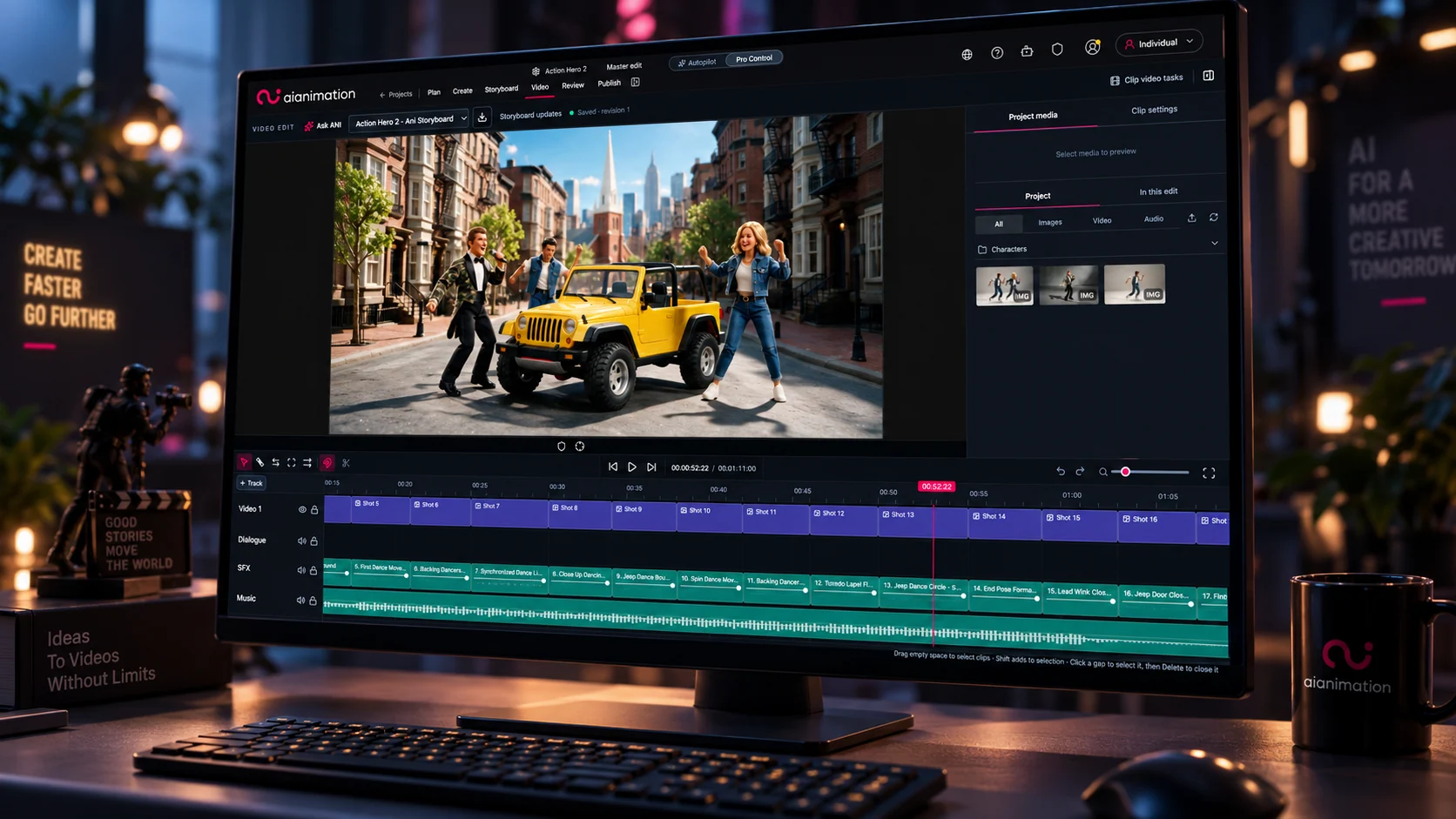
AI Animation now supports Seedance 2.5 for enabled workspaces as part of a limited rollout. The integration adds longer clips, much larger multimodal reference sets, and dedicated Create, Edit video and Extend video task modes.
What has changed
Choose Seedance 2.5 from the video model picker and select the task that matches the job:
- Create generates a new clip from your prompt, with optional reference assets.
- Edit video uses an existing clip as the source anchor for a newly generated result.
- Extend video continues a source clip forward or backward.
Seedance 2.5 accepts image, video and audio references, as well as production components already stored in your project. This makes it easier to keep more of the visual and audio context for a shot together inside one generation workflow. Video references share a 30-second combined duration budget; audio references have a separate 30-second combined budget.
Seedance 2.5 compared with Seedance 2.0
| Capability | Seedance 2.0 | Seedance 2.5 |
|---|---|---|
| Output duration | 4–15 seconds | 4–30 seconds, plus Automatic |
| Reference limits | Up to 9 images, 3 videos and 3 audio files; 12 assets in total | Up to 30 images, 10 videos and 10 audio files; 50 assets in total |
| Dedicated task controls in AI Animation | No dedicated task selector | Create, Edit video and Extend video |
| Aspect ratios | 16:9, 21:9, 1:1 and 9:16 | Adds 4:3, 3:4 and Adaptive |
| Maximum output resolution in AI Animation | 4K | 1080p |
The practical advantage of Seedance 2.5 is not simply a higher version number. It is better suited to longer shots, reference-heavy briefs and workflows where you want to modify or continue an existing clip. Seedance 2.0 remains useful, where available, when the 4K output route is important to the job.
Using Edit and Extend
Open Create inside a project folder, switch Shot Director to Video, and select Seedance 2.5. For Edit video or Extend video, place the source clip in Video 1 and use the Adaptive aspect ratio. Edit video also requires Automatic duration.
If Seedance 2.5 is missing from your model picker, your workspace may not yet have access or its model policy may exclude it. Provider availability also applies. References depicting real people—whether images or video—may require additional Seedance setup, likeness authorisation and approved BytePlus assets.
Credit estimates vary with output duration, resolution, aspect ratio and total reference-video duration. Check the live credit indicator before generating.
Keep going
Learn more
Help & Documentation
Seedance 2.5: Create, Edit & Extend
Use Seedance 2.5 for longer clips, richer references, and three video tasks — create new video, edit an existing clip, or extend it forward or backward
Help & Documentation
Video Generation Best Practices
Essential tips and techniques for generating high-quality AI videos with optimal settings, prompts, and model selection
Help & Documentation
Models & Credits
Choose available models, understand generation costs, and use your workspace's shared credits
AI Production Guide
The Complete AI Animation Production Pipeline: From Script to Screen
A stage-by-stage guide to an AI animation production pipeline, from brief and script through visual development, generation, review, finishing and delivery.