Current signup offer — updated 10 October 2026: You can now create a Free production workspace yourself, with no card required or time limit. Eligible new accounts receive starter credits once, with no expiry. Free includes a limited starter model selection; Paid unlocks the full supported image and video catalogue, recurring shared credits and credit-pack purchases. See Pricing for current allowances and prices. This September announcement used the name “Studio” for the shared workspace controls described below.
AI Animation gives studios, agencies and in-house teams a shared environment for people, projects, model access and generation usage. It is designed for production work that needs more coordination and control than a collection of separate creator accounts.
One workspace around the production
Members can join a shared production workspace while keeping any separate personal workspace retained under an existing agreement distinct. Shared projects, pooled credits and workspace controls are managed within that production workspace. Billing and entitlement terms follow the applicable plan or order.
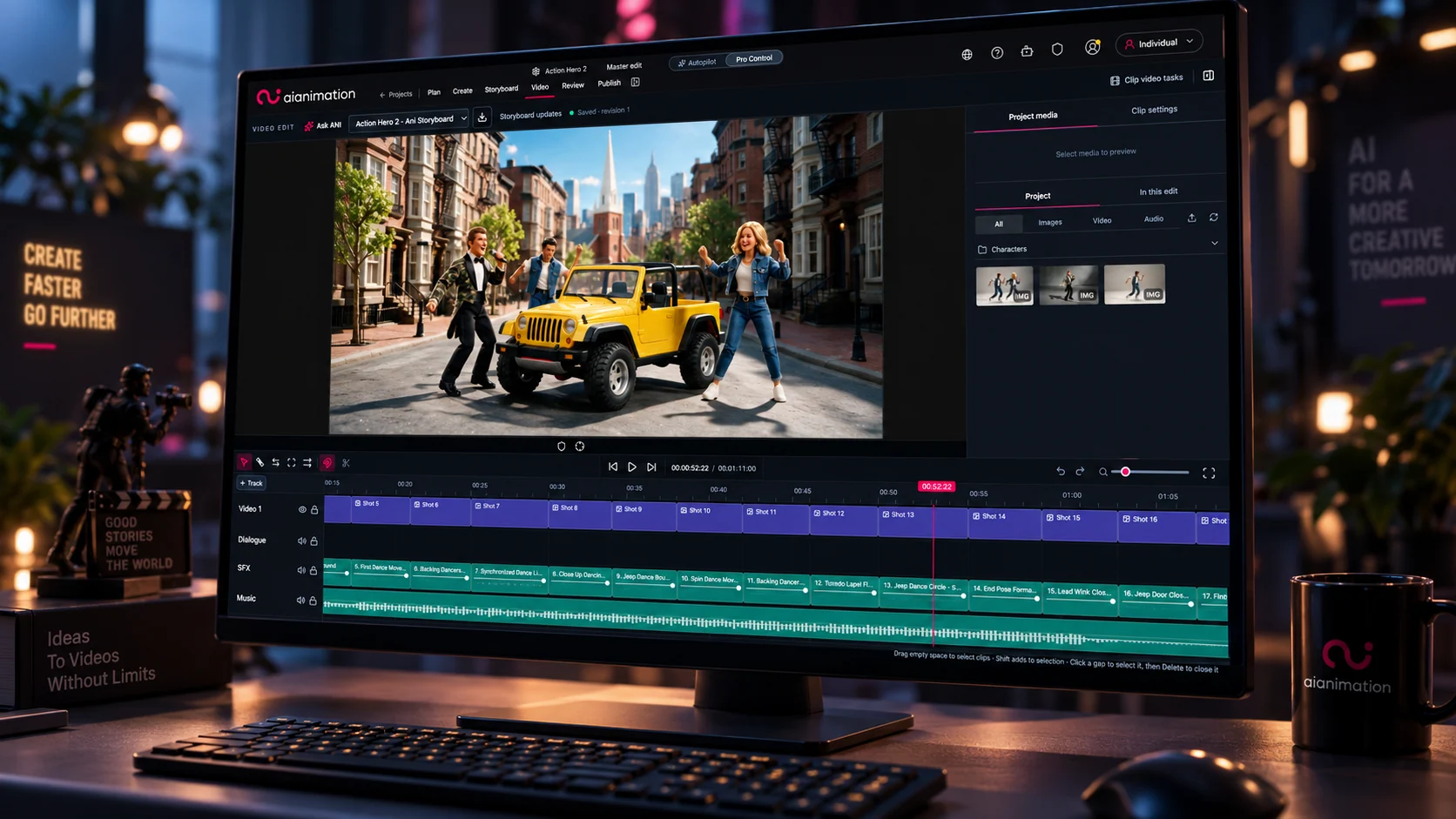
Inside each project, the brief, scripts, production components, generated assets, storyboards and review context stay connected. When realtime asset updates are enabled, collaborators can also see new generations appear without refreshing the workspace.
Controls for people, projects and usage
Studio workspace administrators can configure how the team works:
- Roles and project access: assign a workspace role when someone is invited and, where project-access enforcement is enabled, give members access to every project or selected projects with Viewer, Creator (editor) or Project admin permissions.
- Shared generation usage: fund production through pooled credits and configure member credit access, including no-generation and daily-limit policies for eligible non-admin members. Owner and Admin accounts currently bypass these member caps.
- Tools and models: control which production tools appear in the workspace interface, configure model availability and assigned-model limits, and apply additional folder or team model restrictions.
- Rights evidence: where enabled, link assets, references and Production Components to rights records for original work, real-person likeness or licensed IP, then attach supporting evidence. Workspace settings determine who can review or self-confirm that evidence.
- Production oversight: view project-level generation counts, credit usage and recent activity alongside project records.
These controls do not replace creative direction or production management. They make the operating decisions around access, spend, model choice and evidence visible inside the same environment as the work.

Where to manage the workspace
Owners and authorised administrators can use Workspace Admin to manage people, projects, tools, models and analytics. Access to a shared project or folder is managed from its Share controls.
Governance and data handling
The application uses authenticated access, role and project checks where enabled, and signed delivery controls for private media. Third-party model processing, retention and customer-content training terms remain route-specific, so a Studio workspace is not a blanket no-training promise for every provider. The scope and limitations of these controls are documented in Trust, Security & AI Governance and AI Provider & Partner Policies.
Production records support review and handoff rather than being represented as a complete accounting record or immutable compliance audit log. Rights evidence is not legal certification and remains subject to review and any provider-specific verification requirements.
Current availability
Free and Paid production workspaces are available through self-service signup. Both support collaboration within the workspace's Creator capacity. Viewers can review and comment, but cannot edit or generate. Available tools, models, governance controls and project-access settings depend on the workspace plan and configuration. Workspace owners and authorised administrators manage workspace-level settings.
Create a Free workspace to get started. Teams with Enterprise requirements or a configured production pilot can request access. Advanced Creation Rights requires an eligible Paid workspace, separate approval and separate pricing; a Paid subscription does not grant it automatically.
Keep going
Learn more
Help & Documentation
Accessing AI Animation
Create a free workspace, verify your email, sign in, or join a workspace by invitation
Help & Documentation
Project Sidebar & Folders
Navigate episodes, the folder tree, working areas, and project structure in the Asset Library
Help & Documentation
Models & Credits
Choose available models, understand generation costs, and use your workspace's shared credits
AI Production Guide
How to Build an AI Animation Studio in 2026
A practical guide to building an AI animation studio: offer, team, production pipeline, model strategy, consistency, governance, economics and a 90-day pilot.
AI Production Guide
The Complete AI Animation Production Pipeline: From Script to Screen
A stage-by-stage guide to an AI animation production pipeline, from brief and script through visual development, generation, review, finishing and delivery.